
Agentic AI for beginners just had a real moment. On February 3, 2026, Apple highlighted agentic coding in Xcode 26.3, and VentureBeat reported Databricks launched a serverless database aimed at cutting app timelines from months to days. I stopped what I was doing and took notes.
Quick answer: If you want a fast on-ramp, build in Xcode 26.3 with a tiny agentic loop and store state in a serverless database. Keep it local, keep the toolset small, and iterate. This combo removes two blockers for beginners: where to code and where to put state so your agent can pause, resume, and learn as it goes.
What agentic AI actually is
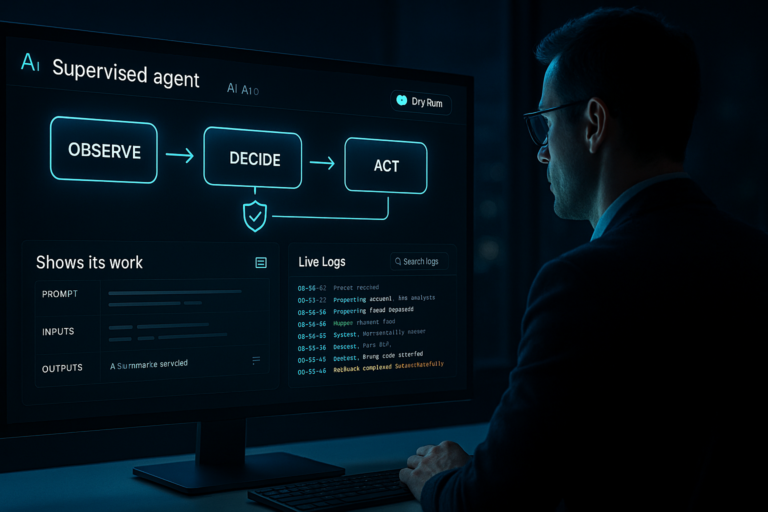
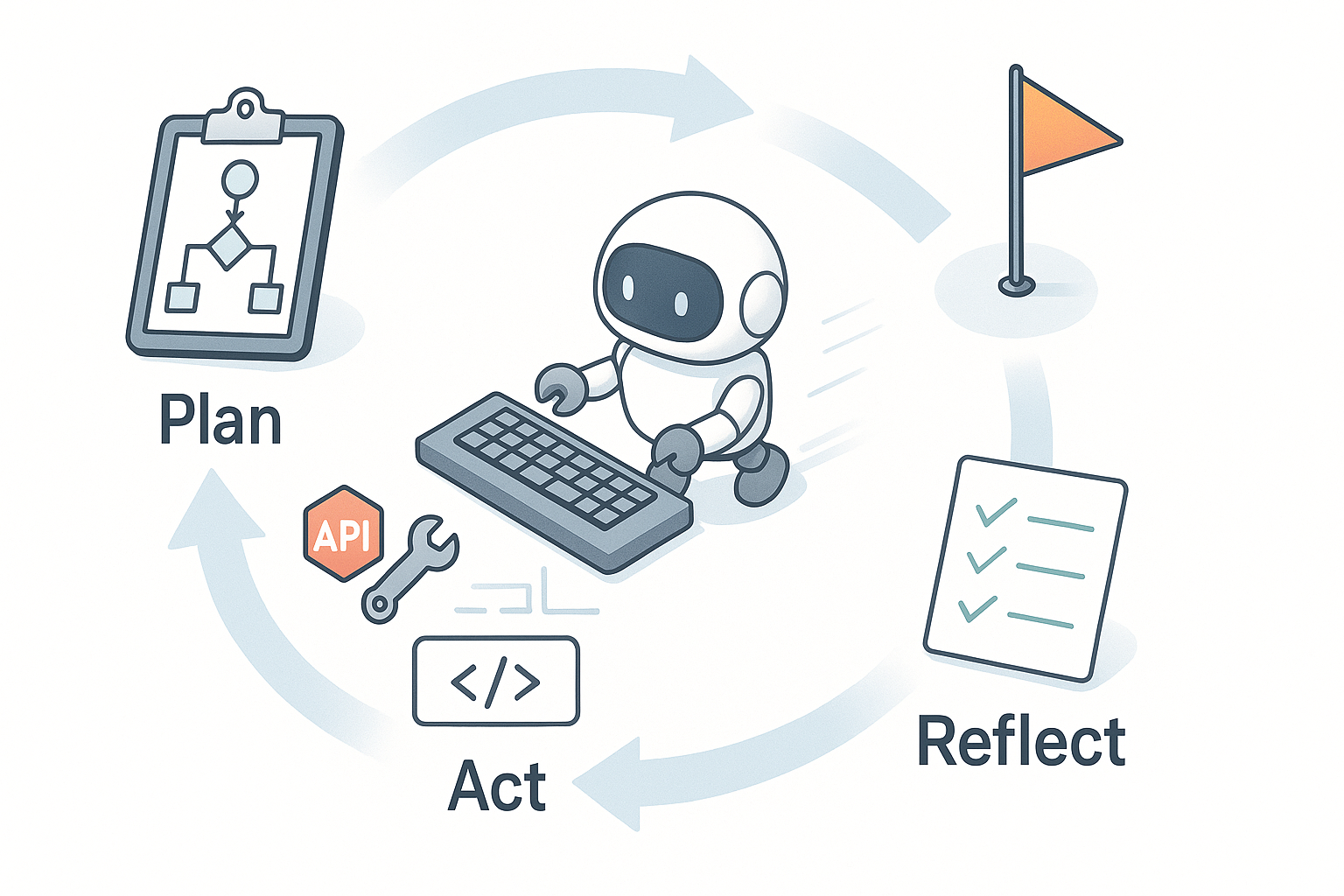
I keep it simple. Agentic AI plans steps, uses tools or APIs, checks its work, and moves toward a goal without me micromanaging every click. Think junior teammate energy: read instructions, fetch data, write code, run tests, try again. In practice, it’s plan, act, reflect. That’s it.
I keep it simple: plan, act, reflect. That’s it.
Xcode 26.3 made agentic coding feel native
On Feb 3, 2026, Apple didn’t just ship another autocomplete tweak. By calling out agentic coding in Xcode 26.3, they’re nudging the IDE into a cockpit where assistants can understand your project, propose actions, and help you ship with fewer context switches. For iOS and macOS devs, this keeps the learning loop inside a familiar editor.
What I love here is visibility. When the assistant lives in Xcode, I can read the diffs, see the tests, and understand why a change happened. That feedback loop beats a black-box web chat for anyone just starting out.
How I’d start with Xcode 26.3
Start absurdly small: one feature, one tool, one loop. Ask the assistant to turn a plain Swift function into a tiny module with tests and a basic CLI. Then iterate. Add logging. Add a config file. Let the assistant refactor and expand the test matrix. The goal isn’t a perfect architecture, it’s building intuition for a tight prompt-build-test rhythm.
I start absurdly small: one feature, one tool, one loop.
Databricks went serverless, which is huge for agents
Also on Feb 3, 2026, Databricks rolled out a serverless database positioned to shrink build timelines. Debate the performance later. The important part for agents is simple: no instances to manage, no weekend DevOps, and you only pay for what you use while prototyping. Agents need state, and a serverless DB is a clean place to put it.
Why this matters for beginners: agents benefit from durable memory. Plans, tasks, tool logs, checkpoints. Keeping that in a database is cleaner than juggling files or copy-paste. If your laptop sleeps or the agent crashes, your state survives and the loop continues next run.
A tiny first project this unlocks
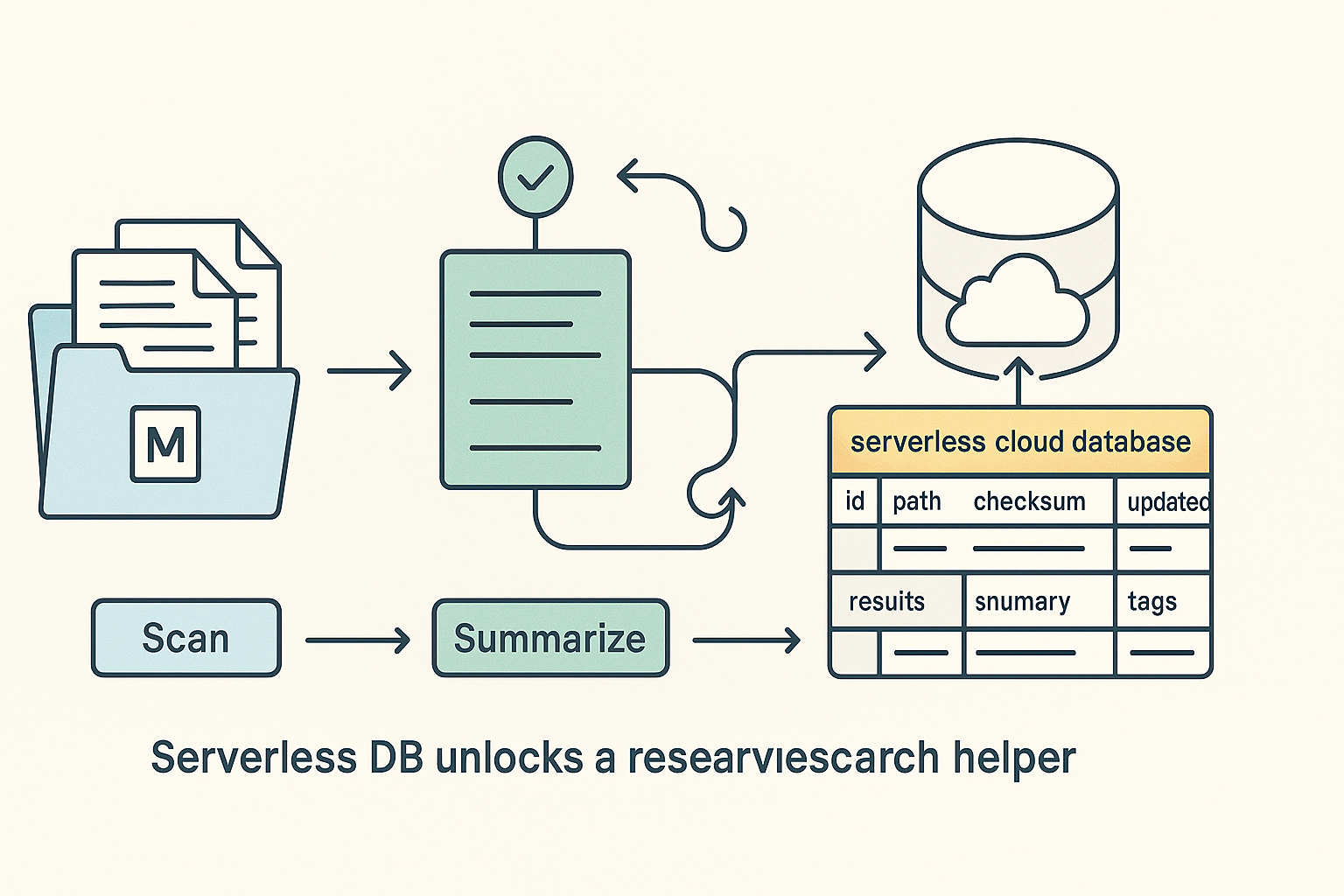
I’d build a research helper that reads docs, writes summaries, and flags follow-up questions. Point it at a folder, let it process files, and store progress in two tables: tasks and results. If anything fails, log the error and pick up on the next pass. That reliability is the difference between a demo and a tool you’ll actually reuse.
I’d build a research helper that reads docs, writes summaries, and flags follow-up questions.
My starter recipe: Xcode + serverless DB
I tested a flow that stays out of setup hell and actually ships.
- Pick a tiny goal: summarize Markdown files, add tags, save results.
- Create a Swift CLI in Xcode 26.3 with a main file, helpers, and a config for keys.
- Wire a single summarize(text) function to your model or API of choice.
- Use a simple table: id, path, checksum, summary, tags, updated_at, error.
Give the agent a loop: scan, skip unchanged, summarize new or updated, write results, log what happened, and retry safely. Add a quick reflect pass to resize summaries if they’re too short or too long. No UI, no orchestrator, no 50 dependencies. Ship one working loop.
Who should care right now
If you’re learning Apple platforms, Xcode 26.3 is an invitation. You get an assistant that speaks your project’s language inside the editor you already know. Keep it local, keep the tools scoped, and finish something you can demo to a friend.
If you’re data-curious, the Databricks serverless piece lowers friction dramatically. Agents that read, transform, and write benefit from checkpoints and audit trails. Spinning that up without provisioning clusters means you’ll try more ideas and learn faster.
I add checkpoints and audit trails when agents read, transform, and write.
What I’m watching next
First, how deeply Xcode 26.3’s agentic workflows touch real build and test pipelines. Suggestions are nice, but actions with safe execution and clear diffs are the unlock. Second, whether serverless makes tiny per-agent datasets trivial. If I can spin up a table for a tiny idea and tear it down easily, I’ll try ten ideas instead of two.
Beginner traps I’d avoid
Scope creep in disguise. Agentic projects feel powerful early, which makes it tempting to bolt on UIs, schedulers, and a dozen tools. Don’t. If the first agent can’t complete a tiny job unattended, the answer is a tighter loop and more reliable state, not more features.
Also, don’t skip observability. Log what the agent tries, which tools it calls, and why it changed its plan. You don’t need a dashboard, just enough breadcrumbs to debug without guessing.
I log what the agent tries, which tools it calls, and why it changed its plan.
FAQ
Is Xcode 26.3 required for agentic AI on Apple platforms?
No, but it makes the experience feel native. Having planning, actions, and diffs inside your IDE accelerates learning and reduces context switching. If you’re already in the Apple ecosystem, it’s the smoothest place to start.
Do I need Databricks for the serverless database?
No. Any reliable serverless database works for storing agent state. I’m calling out Databricks because the Feb 3, 2026 announcement targeted the agentic wave and highlighted speed to ship, which matters a lot on day one.
What’s the smallest possible first agent?
A file summarizer with tags and a resume-friendly state table. One function to summarize, one loop to track progress, and a reflect pass for length control. You can build this in a weekend and run it daily.
How do I keep costs low while learning?
Use a local dev loop, small models, and serverless storage so you pay for usage, not idle time. Log aggressively to avoid wasted runs, and iterate on small batches of files or tasks.
What’s the next step after the first loop ships?
Add reliability. Better retries, clearer error logging, minimal tests around the loop, and a small CLI flag for dry runs. Only then consider new tools or a lightweight UI.
My take
February 3, 2026 felt like a quiet line in the sand. Xcode 26.3 reframes the IDE as a place where agents actually work with you, and a serverless database gives those agents durable memory without infrastructure homework. If you’ve been waiting to jump in, this is your sign: start tiny, store state, and ship one useful loop.