
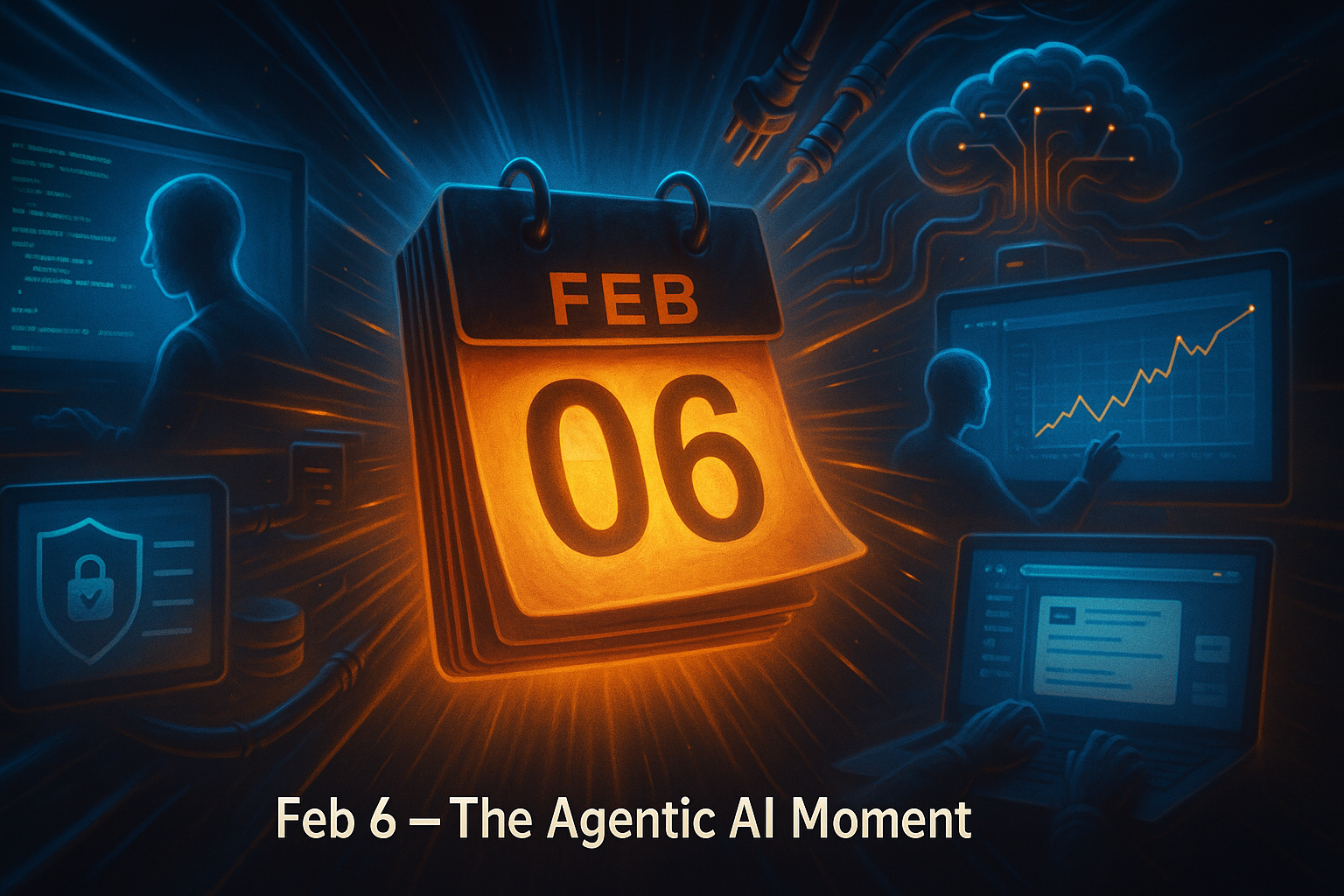
Agentic AI updates hit me hard on Feb 6. I sat down for a quick scan and ended up mapping next steps for the next 90 days. This wasn’t hype. It felt like the moment agents went from cool demos to real daily leverage.
Quick answer: The biggest Feb 6 shifts made agents better at planning and taking action, easier to use on Windows, safer for regulated teams, and more realistic about infrastructure limits. If you’re new, give a model a narrow job, switch on tool use or code execution, keep logs, and put the agent close to your data. You can get a 10 to 20 minute win this week.
I start with a narrow job, switch on tool use or code execution, keep logs, and keep the agent close to my data.
What is agentic AI in plain English?
Agentic AI is more than chat. Instead of stopping at an answer, it plans, decides next steps, runs tools, writes and executes code, checks its work, and iterates to a goal. Think of it like handing a capable intern a mission instead of asking for a single draft.
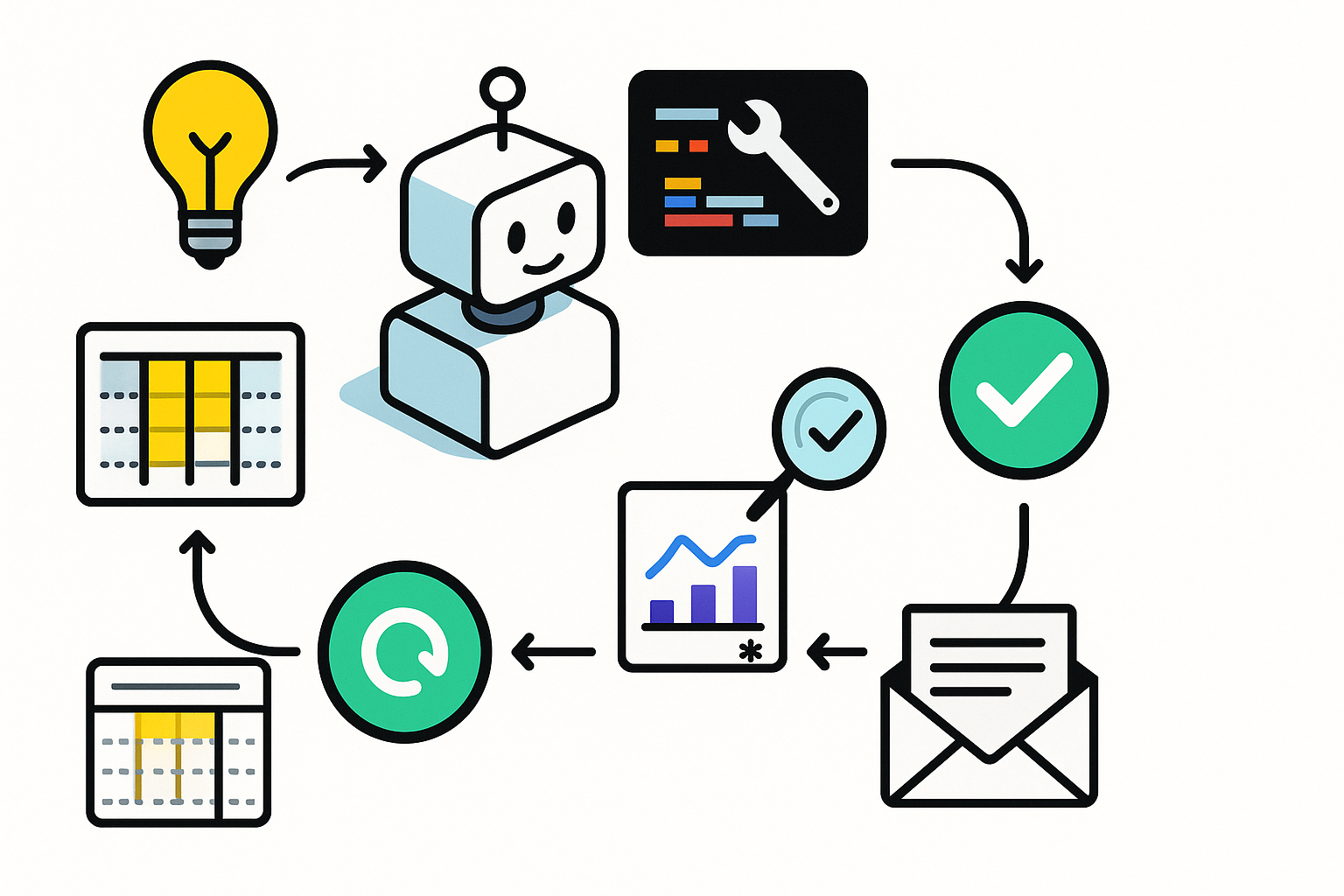
The mindset shift is big. Move from prompts like “write an outline” to goals like “clean this CSV, build the chart, and email a three-paragraph summary to my team.”
I move from prompts to goals: clean the CSV, build the chart, and send the summary.
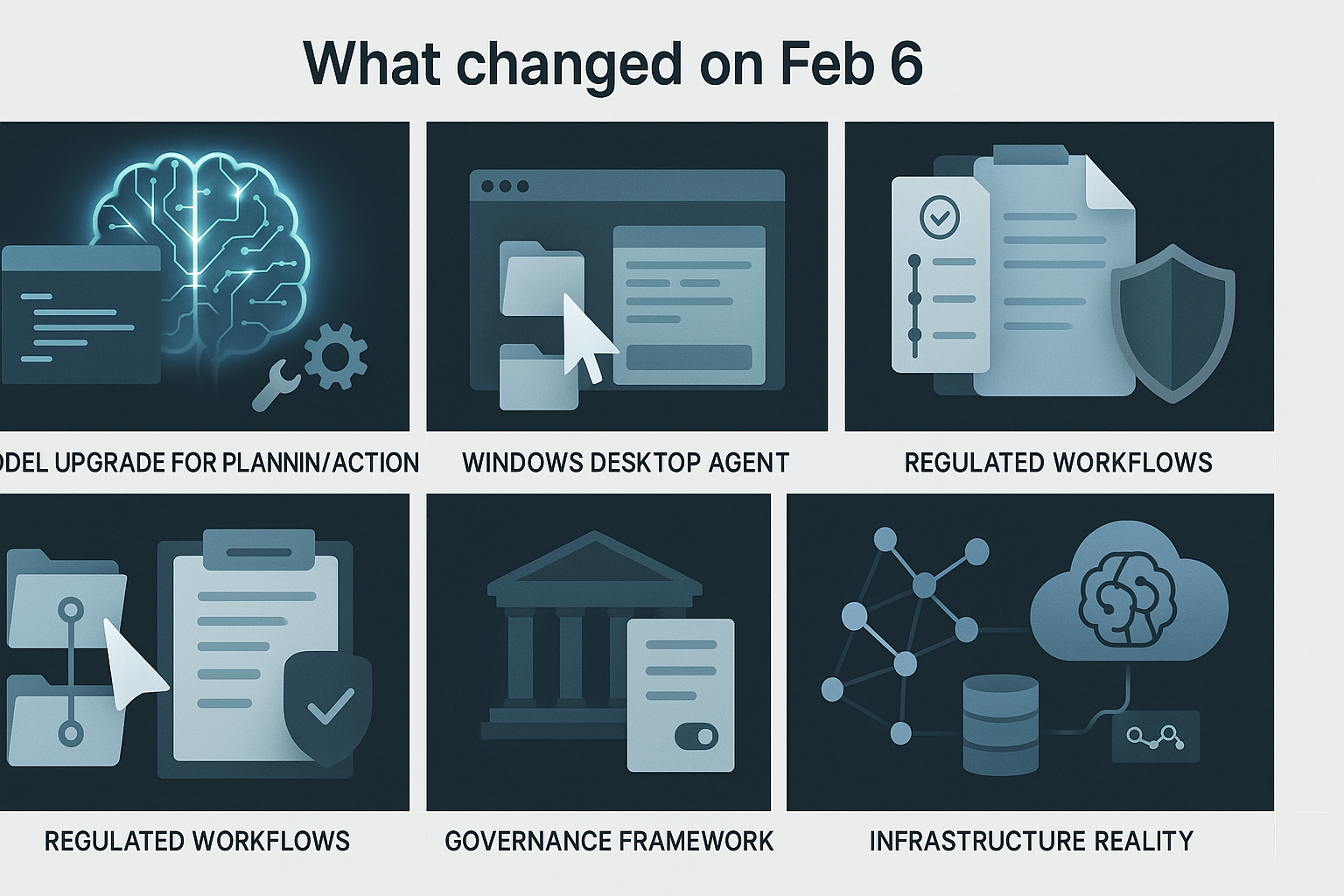
What changed on Feb 6 and why I care
Claude Opus got a real agentic tune-up
On Feb 6 Anthropic rolled out an upgraded Claude Opus with stronger multi-step reasoning, tool use, and more reliable code execution. Coverage explicitly called out agentic skills, which is the tell I was waiting for. This is tuning for planning and action, not just chat. If you want the gist, start here: Anthropic’s Feb 6 coverage.
How I’m using it this week: I treat the model like a junior teammate. I give it a definition of done, switch on tools or code execution, and ask it to plan, act, and verify. Great first targets are lightweight data cleaning, reports with footnotes, and small scripts that need run-fix-rerun loops.
I treat the model like a junior teammate with a clear definition of done, then let it plan, act, and verify.
A Windows desktop agent finally felt usable
Also on Feb 6, Skywork launched a desktop AI agent for Windows. I’m picky with desktop tools, but this matters because it meets you in your browser, files, and apps. A point-and-click agent that can copy, move, and type lets non-developers feel the magic without wiring APIs. If you want details, check Skywork’s Feb 6 launch.
My take for beginners: pick one repeatable, low-risk task like consolidating weekly metrics into a doc. Give the agent a sandbox and a clear success check. The win is shaving 15 minutes and learning what to automate next.
UiPath bought WorkFusion for regulated workflows
Also on Feb 6, UiPath announced it acquired WorkFusion, which is known for automation in heavily regulated processes. I read that as a strong signal that agentic AI is moving into compliance-heavy work where audit trails matter. Here’s the announcement: UiPath’s Feb 6 news.
Where I’d start if you’re in finance or insurance: use an agent to prepare, not decide. Think compiling evidence for a review, drafting disclosures, or assembling case packets with human approval at the end.
Singapore set the first agentic AI governance template
On Feb 6 Singapore published what’s being called the first governance framework built for agentic AI. I love it because concrete rules speed up adoption and reduce fuzzy risk debates. If you want the outline, skim Singapore’s Feb 6 framework.
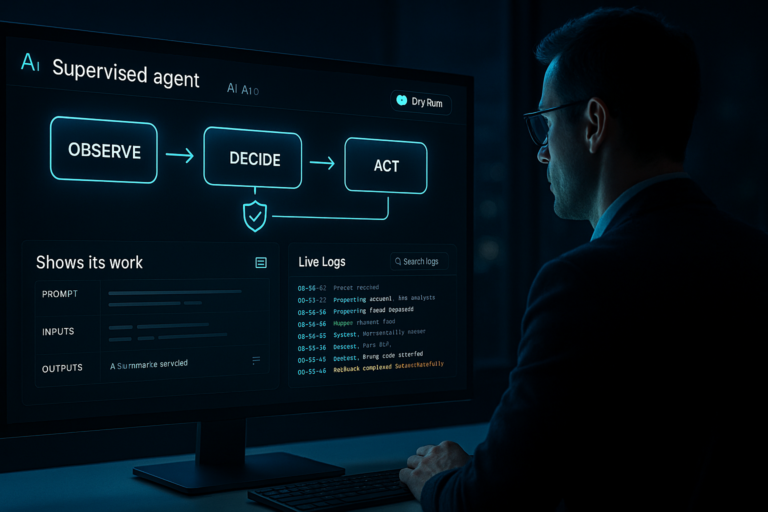
What I’m borrowing right now: decision logs, human-in-the-loop on sensitive actions, and scoped tool permissions. That’s not over-engineering. It’s future-proofing.
I keep decision logs, require a human-in-the-loop on sensitive actions, and scope tool permissions.
Cisco reminded everyone the bottleneck is often the pipes
Also on Feb 6, Cisco called out infrastructure drag. Agents plan, call tools, fetch data, and call the model again, which adds network hops and latency. My rule for new builds is simple: keep your first agent close to your data, cache repeated lookups, and favor a small local model for retrieval while reserving a bigger model for reasoning.
How I’d start this week without breaking anything
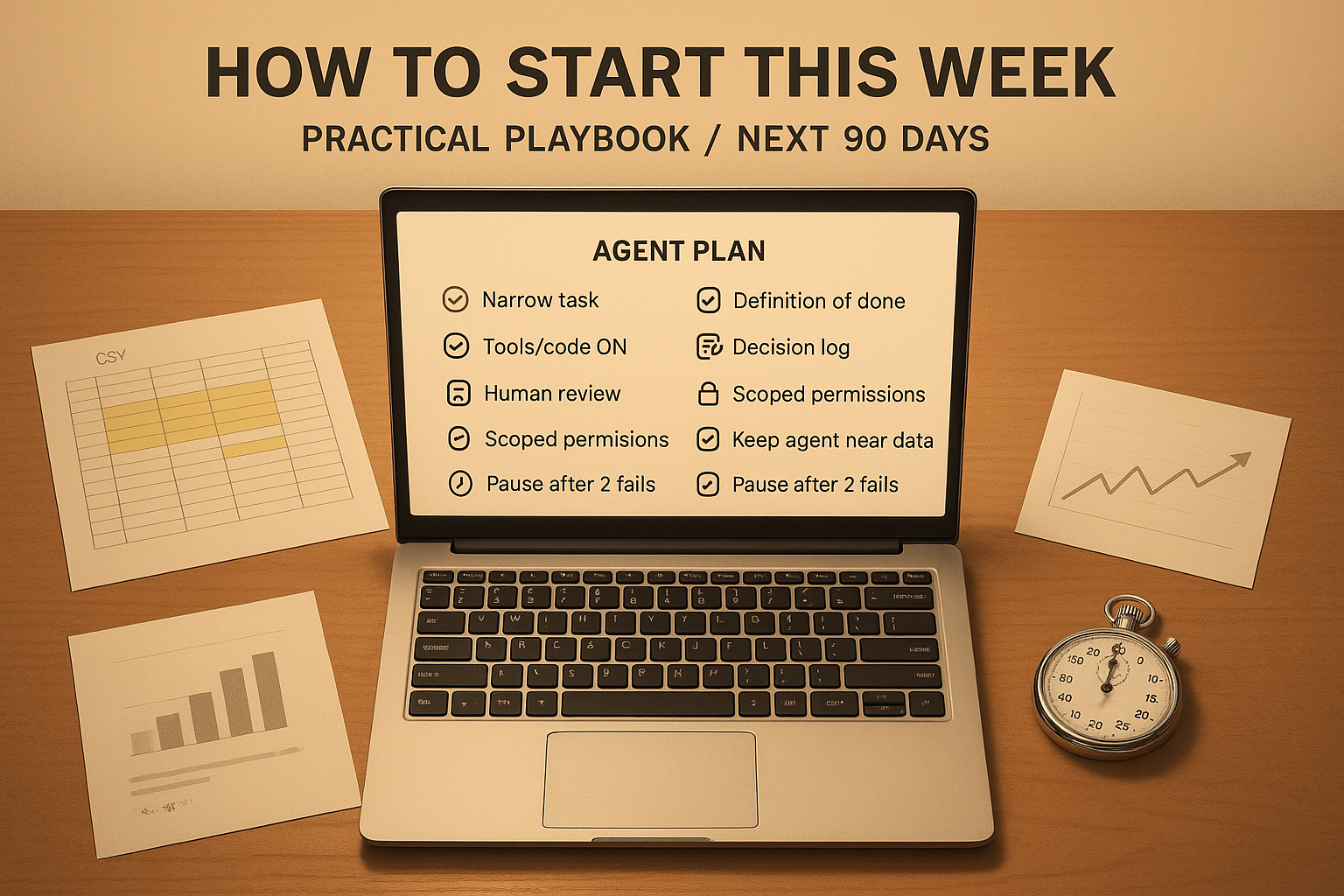
I’m allergic to big-bang rollouts. You don’t need one. Give your agent a narrow job with a crisp finish line and clear constraints. Specify what it can touch and how you’ll verify the result. Keep a short log of its plan, what ran, and what it fixed. Add a safe stall point like “if two attempts fail, pause and ask me.”
I give my agent a narrow job with a crisp finish line and clear constraints.
- Pick a 15 to 45 minute task you repeat weekly and define done up front.
- Use a model with improved agentic skills and enable tool use or code execution.
- Keep the agent near your data and cache anything it asks for twice.
- Borrow governance basics: decision logs, human review on sensitive actions, scoped permissions.
What this means for your next 90 days
I think Feb 6 will age well. Models got agency, desktop tools went hands-on, big players bought compliance muscle, and a government shipped a playbook. The catch is infrastructure. Tight scope and low-latency data access beat flashy prompts. Measure minutes saved, not just tokens used.
If you’re early in your career or pivoting into AI, this is a rare window. The best portfolios I’m seeing stack boring, reliable wins: a cleaned dataset every Monday, a report that self-updates with sources, a support queue triaged before standup. Ship one tiny agent this week and you’ll feel the difference.
FAQ
What is agentic AI in practice?
It is an AI that plans and takes actions toward a goal using tools, code, and checks. Instead of one reply, it executes steps, verifies results, and iterates. Think multi-step workflows, not single-shot answers.
Do I need to be a developer to start?
No. A Windows desktop agent can click, copy, and type in the apps you already use. Start with one repeatable task and a clear success rule. If your platform supports tools or code execution, enable it and keep the job small.
How do I keep it safe in regulated work?
Use an agent to prepare, not decide. Keep decision logs, require human approval on sensitive steps, and scope tool permissions. The Singapore framework is a helpful template if you want a checklist.
Why is my agent slow?
Latency usually comes from data hops and repeated calls. Put the agent close to your data, cache repeated lookups, and split retrieval and reasoning so a smaller local model handles fetch while a stronger model handles thinking.
What should I try first?
Pick a boring task you hate that takes 15 to 45 minutes. Examples include cleaning three columns in a CSV, drafting a weekly summary, or generating a chart with footnotes. Define done, run it, log the steps, and iterate.