
Xcode agentic coding just went from buzzword to default reality in Xcode 26.3. On Feb 3, 2026, Apple announced deeper integrations with OpenAI and Anthropic, and I felt the shift the moment I opened my editor.
Quick answer
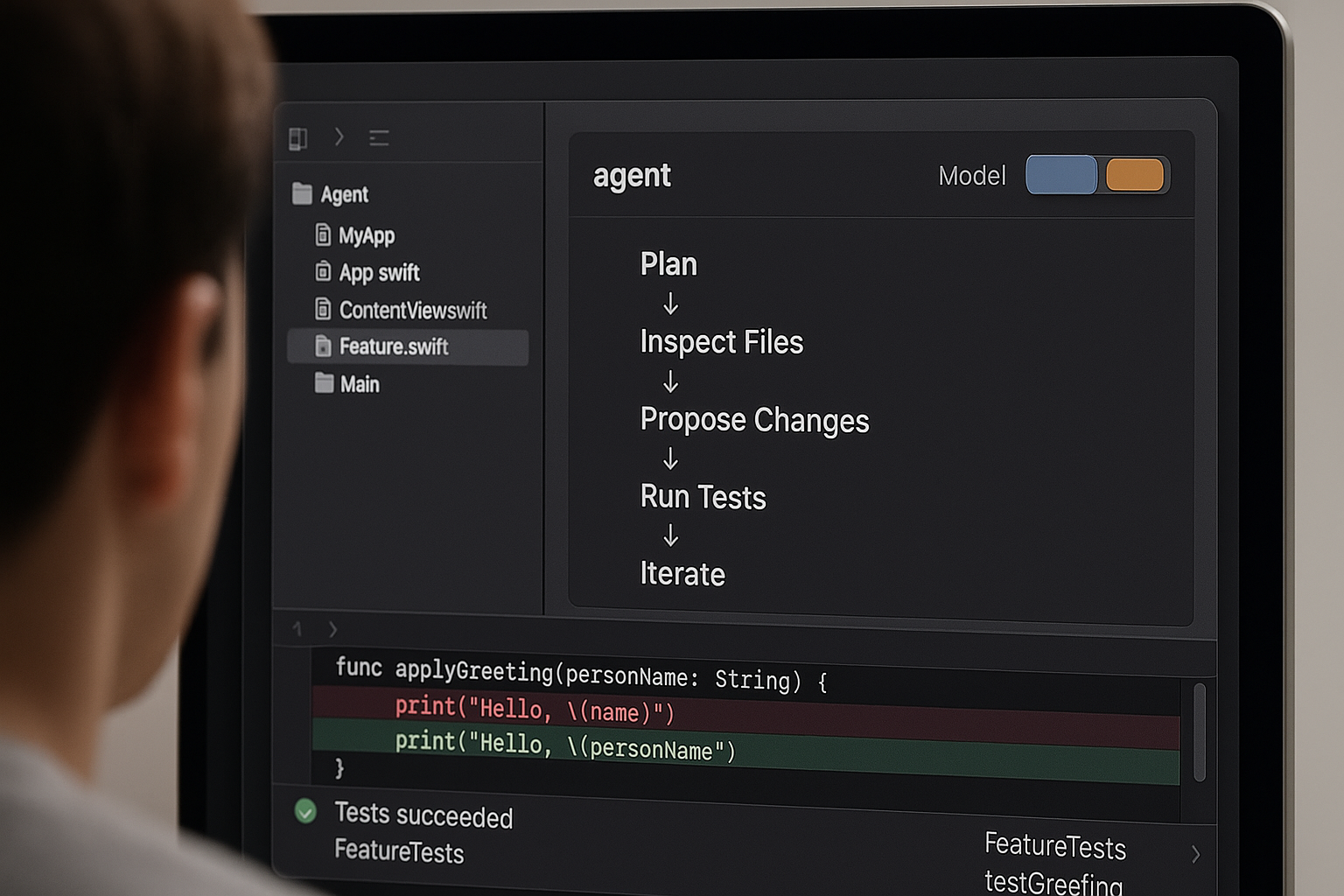
Apple’s Xcode 26.3 adds agentic coding that plans tasks, inspects files, proposes changes, and iterates in the IDE. It’s not just autocomplete. With OpenAI and Anthropic models available, you can delegate small goals, review diffs, run tests, and loop quickly. If you’ve got 20 minutes, you can try it on a single task and see real impact.
What changed in Xcode 26.3
Apple framed Xcode 26.3 as a way to unlock agentic coding with model choice built in. That matters because you’re not asking for a one-off snippet anymore. You’re handing an agent a goal and letting it work through a plan, ask for context, and iterate until done.
I hand the agent a goal and let it work through a plan, ask for context, and iterate until it’s done.
The coverage on Feb 3 synced across outlets. TechCrunch called out deeper OpenAI and Anthropic integrations, and CNBC put it simply: Apple added agents from Anthropic and OpenAI into its coding tool.
Why this matters even if you’re new
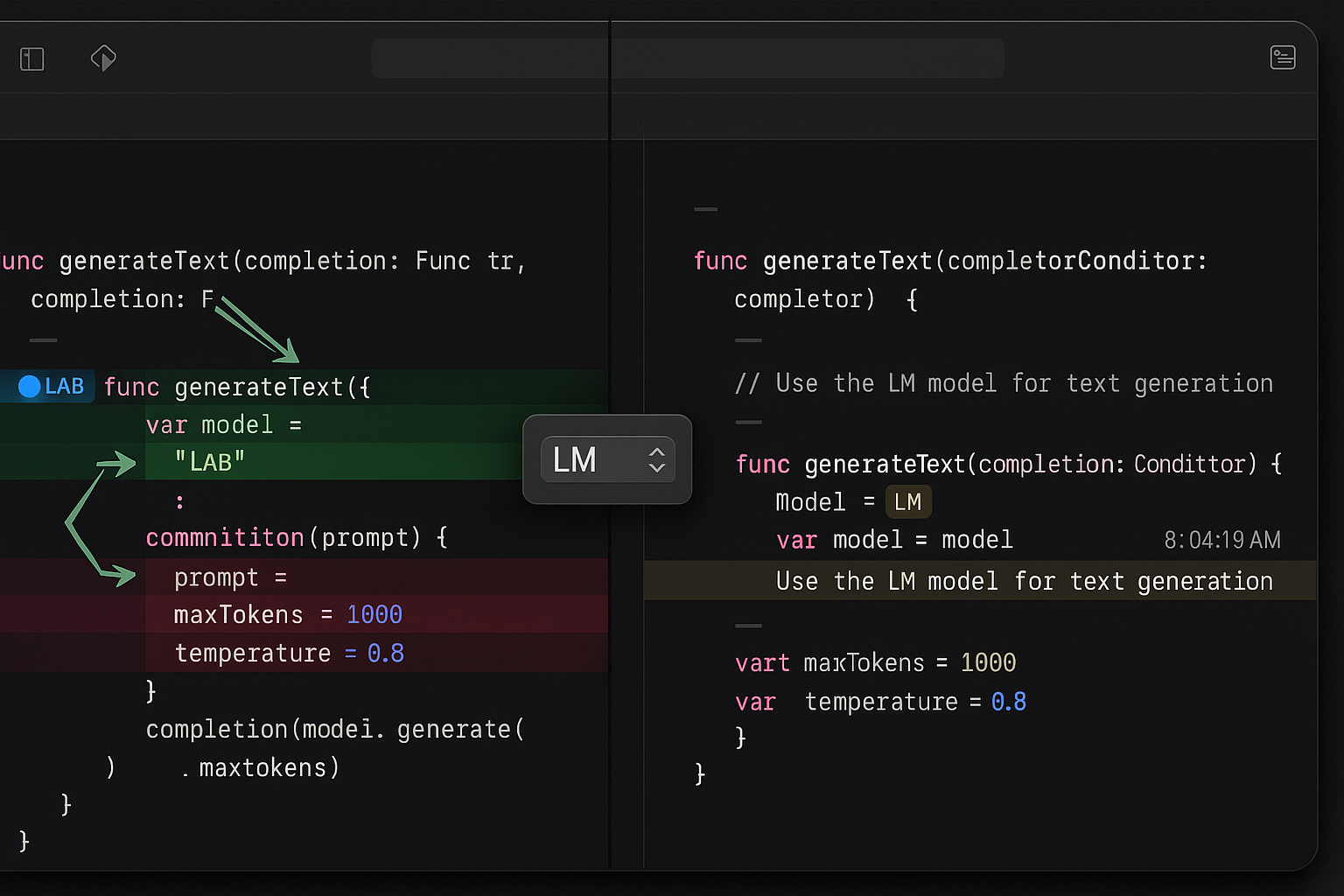
I coach a lot of beginners, and the blocker is rarely ideas. It’s the fear of breaking everything. Agentic coding keeps the loop inside Xcode where you already run tests, read diffs, and manage your project. You stay in control while delegating the repetitive parts.
I keep the loop inside Xcode where I already run tests, read diffs, and manage my project.
The visibility is the win. Instead of a black box outside your editor, you see plans, propose changes, and verify results without jumping tools.
What I think Apple is optimizing for
First, confidence. Agents can move faster than we can review. Bringing agentic workflows into Xcode nudges us toward safe changes, readable diffs, and predictable guardrails.
Second, choice. OpenAI and Anthropic bring different strengths. Apple giving both models a seat inside Xcode tells me they want us to pick the right brain for the job, not the only one available.
How I’d start using it today
If you’re brand new to agentic AI, start small and reversible. I treat the agent like a junior partner and narrate my intent so it understands the why, not just the what.
I treat the agent like a junior partner and narrate my intent so it understands the why, not just the what.
- Plan first: ask the agent to outline the change or refactor before touching code.
- Keep edits scoped to a file or two so review and rollback are easy.
- Have it propose tests and docs for any change it suggests.
- Run your test suite between steps and feed failures back to the agent.
- Only then try multi-step tasks that span files or modules.
Where agentic coding helps most
I get the best results where “done” is crisp and fast to verify. Think small refactors with unit tests, documentation passes that match your style, migration plans with rollback notes, or safe dead-code removal staged behind obvious diffs. Clear end states build trust quickly.
OpenAI vs Anthropic inside Xcode
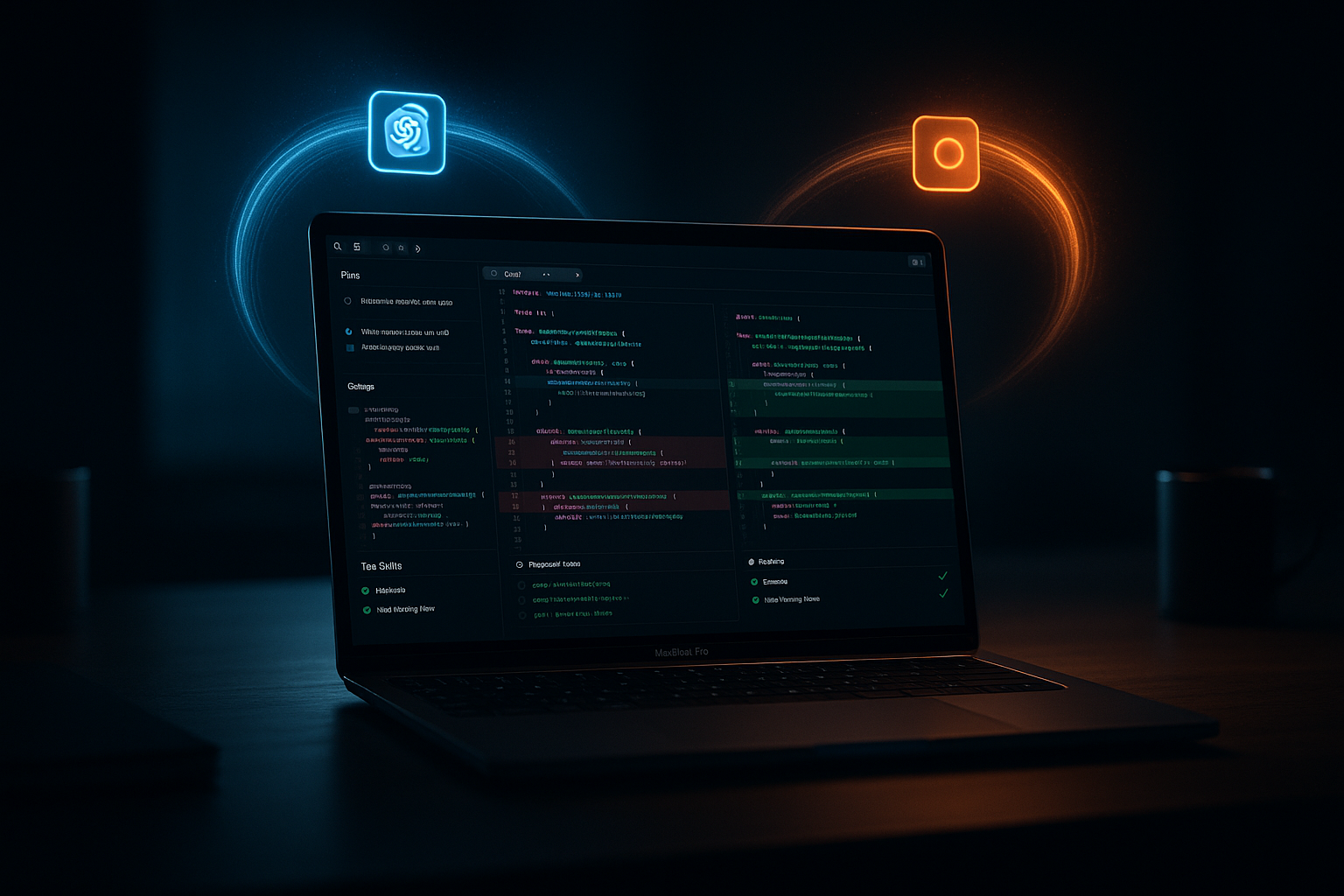
My quick take: OpenAI often leans into breadth and aggressive exploration. Anthropic tends to be deliberate, with strong longer-context reasoning and cautious changes. Inside Xcode, that feels like two senior engineers you can tap for different tasks.
Inside Xcode, it feels like I have two senior engineers I can tap for different tasks.
When I want bold ideas or fast refactors, I try OpenAI. When I need careful reasoning, doc-heavy updates, or safety-sensitive changes, I lean Anthropic. I also run the same prompt through both and compare. You learn their strengths fast and route accordingly.
What could go wrong, and how I avoid it
The real risk is speed without verification. I never apply bulk edits without a clear, human-readable plan. I ask for diffs and rationales in plain language, not just code, and I run tests between steps so the agent gets immediate feedback.
I never apply bulk edits without a clear, human-readable plan.
When something feels off, I reduce scope. A series of tiny, verifiable steps beats one giant leap every time.
What this means if you’re just getting started
You don’t need an automation stack or custom APIs to practice the core skill. With Xcode agentic coding in 26.3, you can learn how to describe outcomes, review plans, and guide iterations right where you work. Since the news hit on Feb 3, 2026, examples and workflows are about to flood in. Starting now means you’ll build good habits early.
FAQ
What is Xcode agentic coding in simple terms?
It’s delegating a goal to an AI inside Xcode that can plan steps, inspect files, propose changes, and iterate until the result meets your definition of done. You review diffs and tests along the way.
Do I need to pick OpenAI or Anthropic to begin?
No. Try both. OpenAI is great for fast ideation and broad refactors. Anthropic shines on careful reasoning and documentation-heavy tasks. I often run the same prompt through each and pick the best path.
Will agentic coding replace my judgment?
Not at all. It replaces drudgery, not taste. Your job shifts toward defining outcomes, checking plans, and verifying changes. That human loop is what keeps quality high.
How do I avoid breaking my project?
Keep tasks small, review diffs, run tests after each step, and require a plain-language plan before bulk edits. If uncertainty creeps in, narrow the scope and iterate.
What’s the fastest safe way to try this?
Pick a small refactor or documentation pass, ask the agent for a plan, approve it, run tests after each change, and stop if anything feels off. You should get a quick win in under 20 minutes.
The bottom line
Agentic AI just moved into the mainstream developer workflow, and Apple helped carry the box through the door. With Xcode 26.3 integrating OpenAI and Anthropic on Feb 3, 2026, you don’t need hype to try it. You need one task, 20 minutes, and the willingness to review like a pro. Start small. Let the results compound.