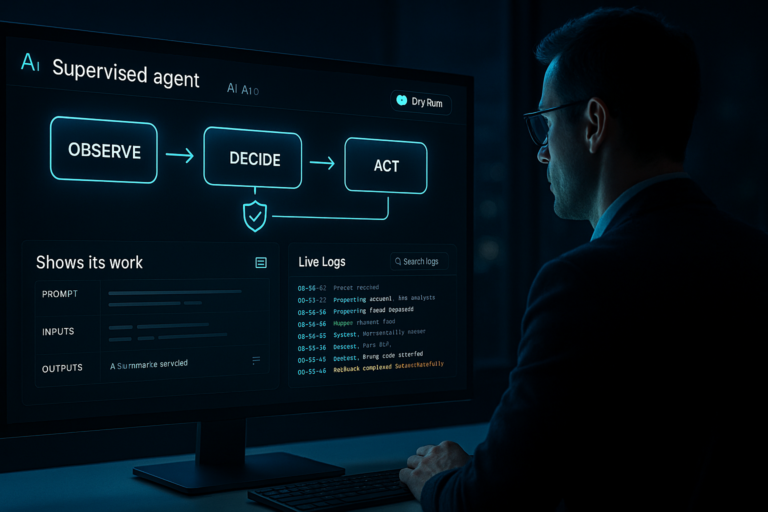


Agentic AI just crossed a line for me on March 23, 2026. After catching up on the day’s drops, it finally felt like the training wheels came off and I can ship real automations without duct tape.
Quick answer: March 23, 2026 delivered three signals that matter: Palo Alto Networks introduced a secure browser built for agents, Microsoft retooled Copilot leadership to go deeper on M365 agents per UC Today, and Nvidia’s GTC focus shifted to orchestration and tool use per Forbes. My takeaway: secure the runtime, design explicit task graphs, and lean on native identity where it already exists.
I focus on three moves right now: secure the runtime, design explicit task graphs, and lean on native identity where it already exists.
Real talk: agentic AI just had a moment
I’ve been building small assistants for a while, but March 23 felt different. The pieces we’ve been hacking together got official names, roadmaps, and guardrails. That’s the nudge I needed to turn experiments into something I can trust at work.
First, a 20-second refresher: what is agentic AI?
Think less chatbot, more junior teammate with a checklist. It plans, picks tools, clicks around, calls APIs, and loops through perceive, plan, act, reflect. The magic is autonomy. The risk is coordination and safety once it touches real data and systems.
I treat agents like a junior teammate with a checklist, not a chatbot.
Palo Alto shipped a browser for agents, not people
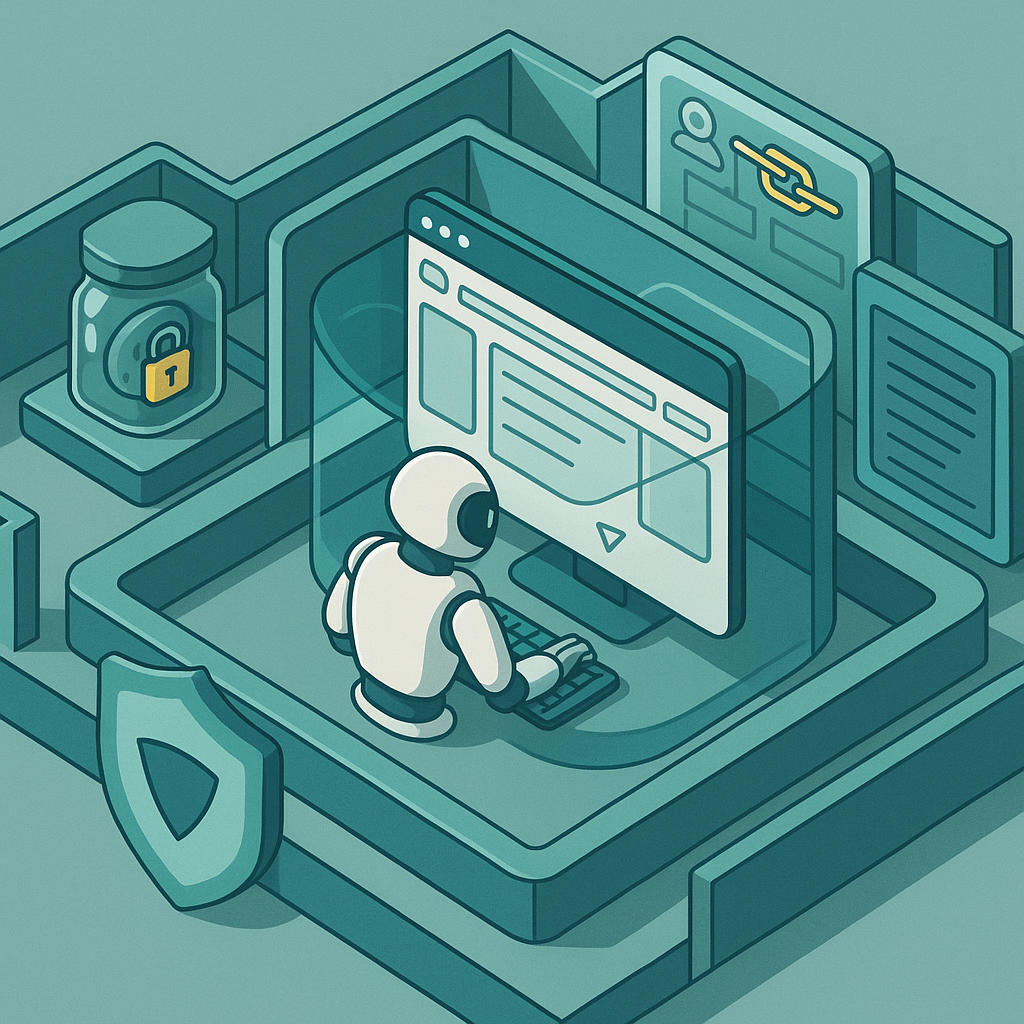
On March 23, 2026, Palo Alto Networks announced a secure browser built for agentic AI. That framing snapped things into focus for me. Most of us let agents drive human browsers or headless Chrome and hope tokens do not leak. Treating the browser as the runtime means isolation, allowlists, scoped cookies, clipboard controls, and auditable logs by default.
If you are starting small, you do not need enterprise gear yet. But the mindset is non negotiable: the browser is an execution sandbox. Separate profiles, ephemeral storage, and request logging will save you from ugly cleanup later.
Microsoft is going all in on M365 agents
Also on March 23, 2026, Microsoft reworked Copilot leadership to speed up enterprise adoption and deepen agent behavior across Microsoft 365, as covered by UC Today. Identity and permissions are where my side projects usually bog down. If Microsoft bakes multi step agents into Outlook, Excel, Teams, and OneDrive, I can skip most of the custom auth plumbing and let the fabric handle routing and access.
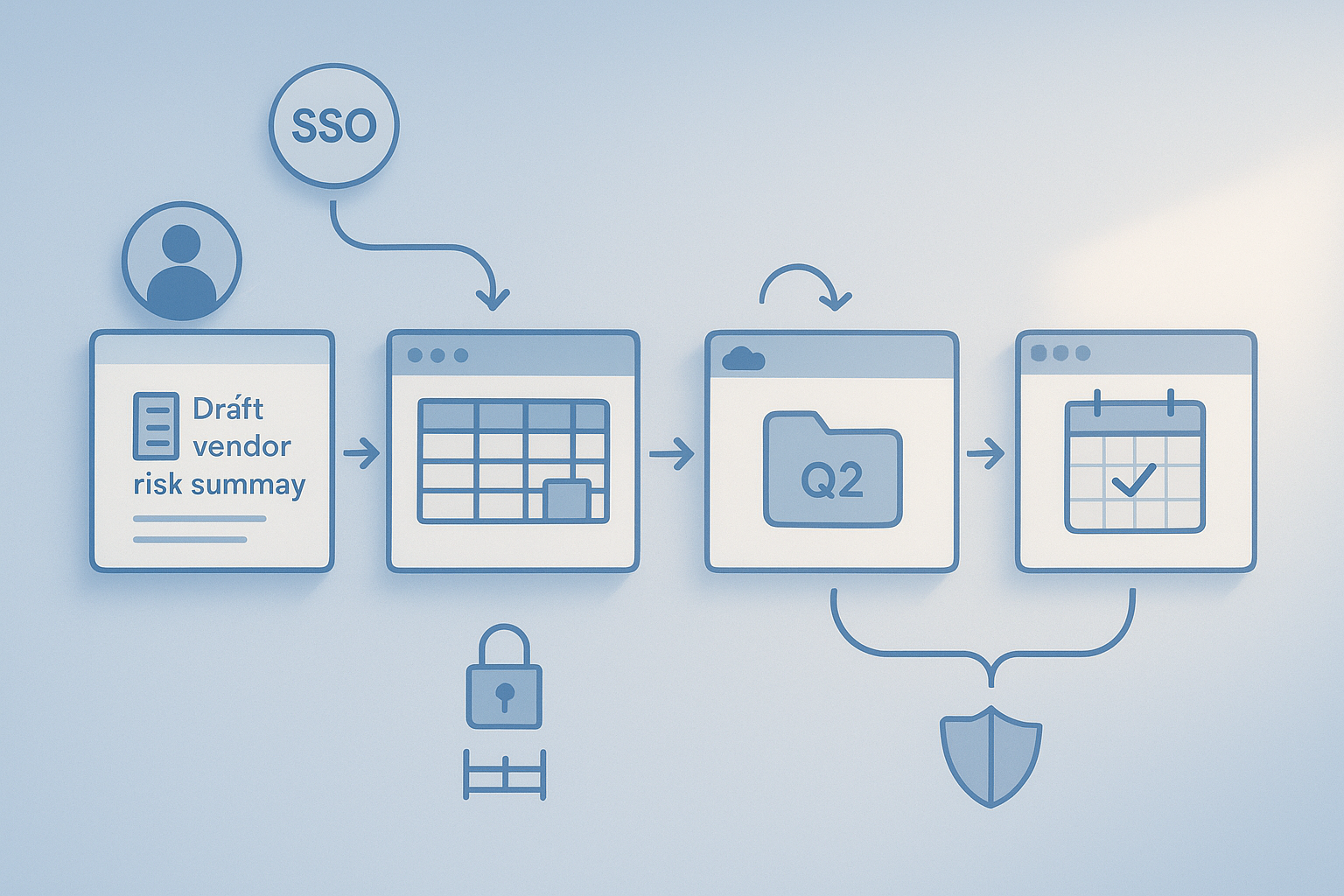
Imagine asking: draft the vendor risk summary, pull the latest numbers from Finance, drop the deck in the Q2 folder, and schedule a review with legal. If that threads through M365 without me wiring every API, beginners get a massive on ramp.
Nvidia’s GTC shift: agents need a runtime, not just bigger GPUs
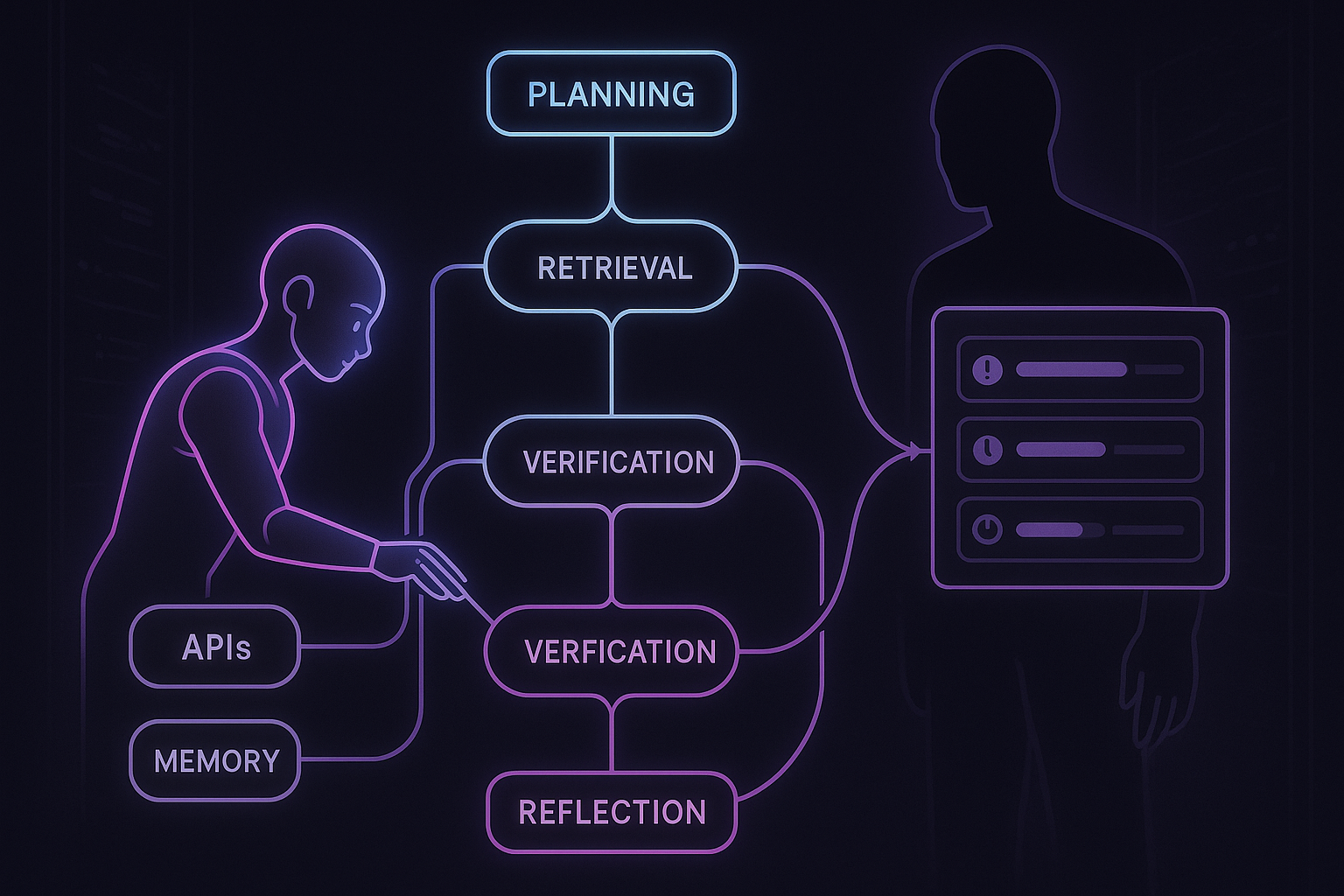
For years the Nvidia story was more GPUs and bigger models. The March 23 coverage hit differently. Forbes framed how orchestration, memory, tool use, and real time loops are now first class. In practice, a smaller model with strong planning and tool calls often beats a giant that stumbles on one critical step.
My rule right now: optimize for skill, not size. Choose stacks where tool calls, retrieval, and graph style flows are boring to set up. You are building a system, not just a prompt.
I optimize for skill, not size, and I choose stacks where tool calls, retrieval, and graph style flows are boring to set up.
The elephant in the room: coordination
One agent is cute. Three agents handing off across permissions, SLAs, and data silos is where things break. I have lived the Tuesday works, Wednesday dies pattern because someone renamed a column. With agents, the blast radius grows unless you add task graphs, shared memory, idempotent actions, clear abort rules, and observability.
To keep multi agent work from breaking, I add task graphs, shared memory, idempotent actions, clear abort rules, and observability.
What I’m changing in the next 30 days
I want a working agent without a security migraine, so here is my short plan.
- Pick one high leverage task with a clear finish line, like compiling vendor renewals into one sheet and emailing a Friday summary.
- Secure the runtime by default. Separate browser profiles, network allowlists, and a vault for credentials with distinct keys per agent.
- Design a small graph with steps, tools, success criteria, and explicit abort conditions.
- Log tool calls, inputs, outputs, and key decisions so I can debug without guesswork.
- Test failures on purpose: timeouts, 404s, missing columns, and rate limits.
I log tool calls, inputs, outputs, and key decisions so I can debug without guesswork.
My current starter stack
I use a graph based executor for planning and tool use so the handoffs are explicit, not buried in a mega prompt. For browsing, I isolate sessions and wipe storage after each run so cookies and tokens do not linger.
For secrets, I split API keys per agent and rotate them on a schedule. Boring, yes. But boring ships and does not torch my dev machine.
When I’d try the Palo Alto agent browser
As soon as an agent needs to touch anything beyond a toy site or public doc, a security first browser moves from nice to have to required. If you are in a company, you will likely get pushed there anyway. If you are solo, think of it as insurance before your tiny tool becomes a team dependency.
When I’d bet on Microsoft 365 agents
If your work lives in Exchange, SharePoint, and Teams, native agents will usually beat stitching third party APIs. You inherit identity, permissions, and data gravity. I would start with one workflow that already lives in Outlook and OneDrive, then expand.
Red flags I’m avoiding
No free roaming on the open web without guardrails. No running with my primary browser profile. No mystery actions I cannot audit. And I avoid overfitting on a single giant model when a smaller, tool savvy model with clean retrieval is easier to reason about and cheaper to scale.
FAQ
What is agentic AI in plain English?
It is an AI that does not stop at answers. It plans steps, uses tools, clicks through pages, calls APIs, and loops until it reaches a goal. Think intern with initiative, not a static chatbot.
How do I keep an agent safe in a browser?
Treat the browser as an execution sandbox. Use separate profiles per agent, strict network allowlists, scoped cookies, clipboard and download controls, and full action logs. Wipe storage after each run.
Should I wait for Microsoft’s native M365 agents?
If you live in M365, you will likely move faster by using native identity and permissions once they are available. In the meantime, pick one workflow and prototype with what you have so you can slot in the native pieces later.
Do I need a huge model for agents?
Not usually. Models with strong planning, retrieval, and tool use often outperform bigger models on end to end tasks. Skill and orchestration beat raw size for most workflows.
How do I debug agent failures?
Log tool calls, inputs, outputs, and decisions. Make actions idempotent, add clear timeouts, and define abort conditions. With good logs and a small graph, you can replay the failure without watching an hour of screen recordings.
Final thought
This week made the pattern obvious. Secure the runtime, build explicit flows, and use native identity where it exists. I am shipping one small agent end to end this weekend. If you do the same, tell me what surprised you.