
Agentic AI launches finally clicked for me this week. I stayed up way too late testing the new drops and I’m convinced this is the cleanest on-ramp for anyone who’s been waiting to try agents without spinning up servers or parsing enterprise docs.
Quick answer: The fastest way to get hands-on is to start in your browser, add lightweight memory, and turn on basic guardrails. On March 25 and March 26, 2026, Samsung, Snowflake, Aerospike, and others shipped exactly those building blocks. Try one real workflow end to end, save the output, then iterate with a simple plan-memory-execute loop.
I always run one real workflow end to end, save the output, then iterate with a simple plan-memory-execute loop.
Why this week matters if you’re new
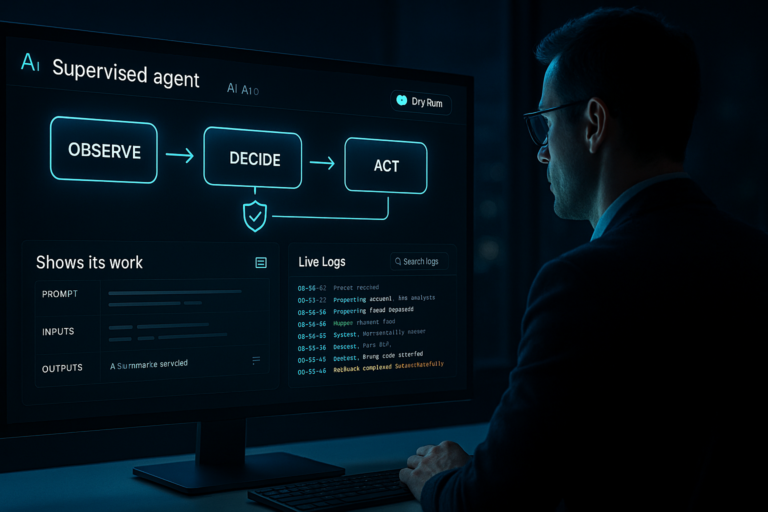
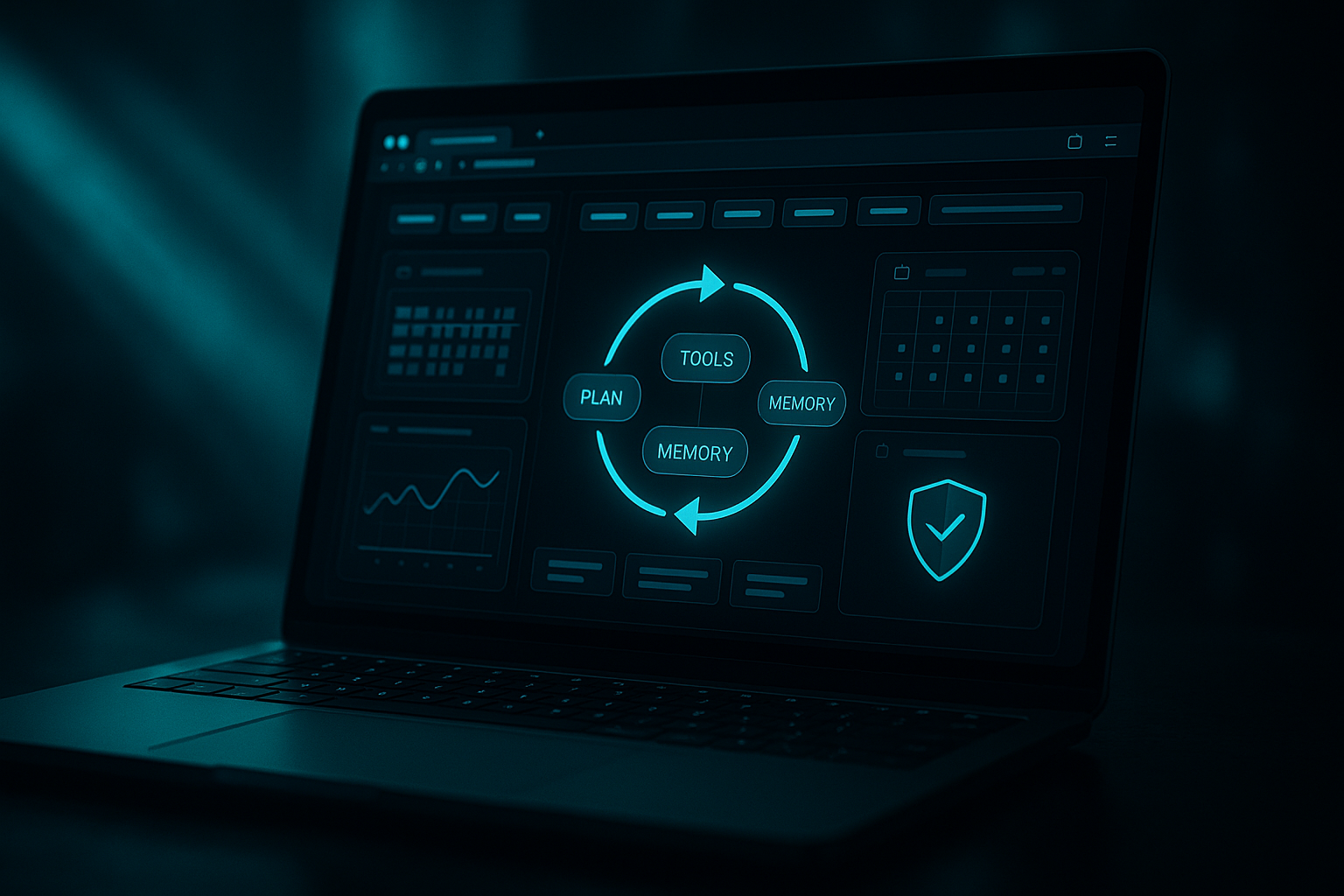
Agentic AI isn’t about fancy chat. It’s giving an AI a goal, letting it plan, call tools, and close the loop. To work, it needs a home, memory, and guardrails. This week covered all three with a consumer entry point, a task blueprint, durable memory, and a security wake-up. I could finally see a repeatable setup I’d trust.
Samsung puts an agent in your browser
On March 25, 2026, Samsung said its browser is coming to Windows with agentic AI built in. If you’re new, this is huge. Your tabs become an automation cockpit. No SDKs, no Docker, just a prompt and a plan.
I treat my tabs like an automation cockpit with no SDKs, no Docker, just a prompt and a plan.
How I try it fast
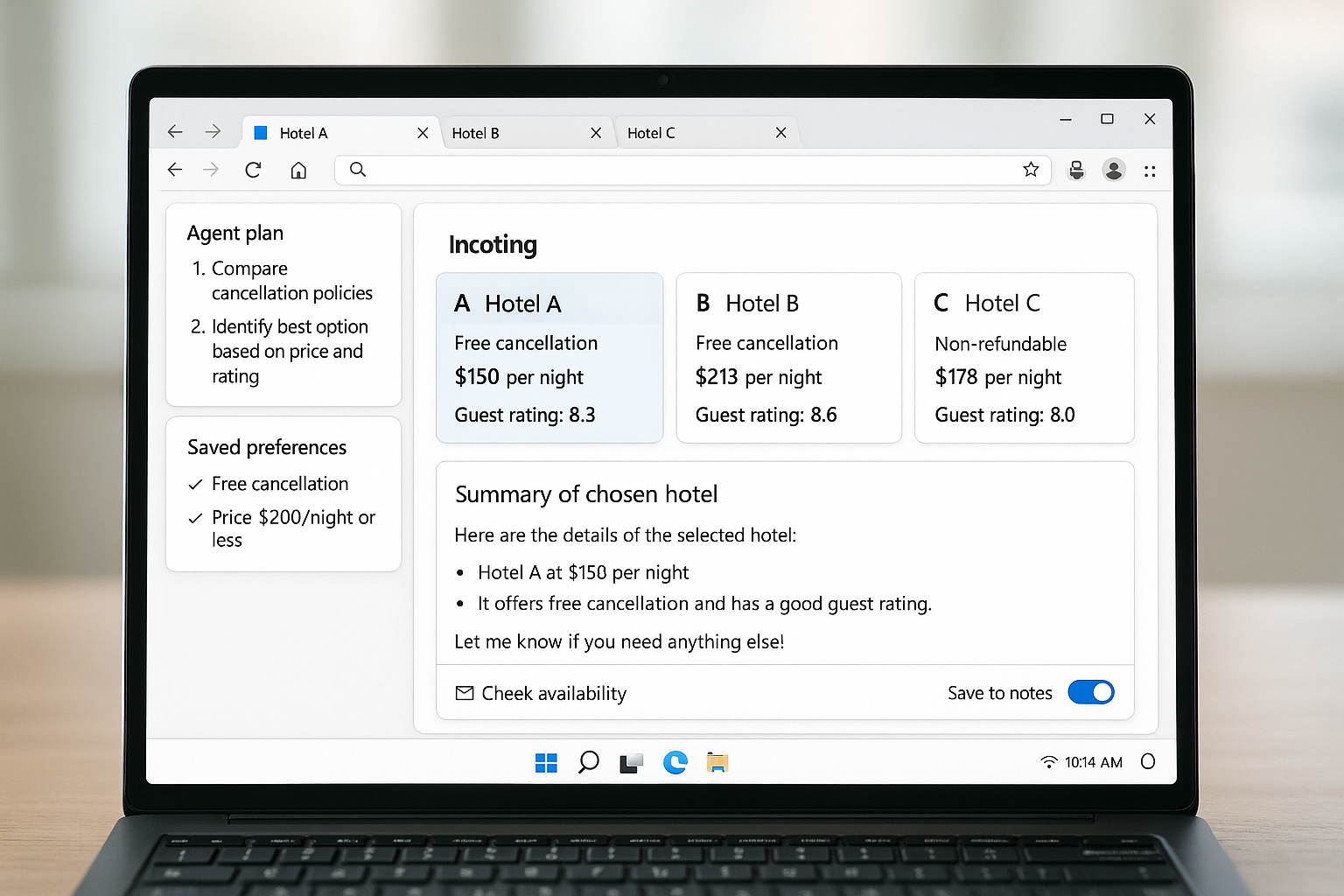
I make it handle a real task I usually avoid: compare three hotel options, pull cancellation rules, and draft an email with the pick and why. If it can hop sites, track preferences, and write a clean summary, that’s the loop I want. Then I layer in tool access like calendar checks or note-saving.
Snowflake’s Project SnowWork makes execution first class
Also on March 25, 2026, Snowflake introduced Project SnowWork for AI-driven task execution. Translation: define the goal, give it tools, and let the platform orchestrate the steps with history and auditability.
What this means for you
Even without Snowflake, steal the pattern. Write your top three recurring cross-app tasks. For each, list the goal, the context it needs, the tools it can call, and where you’ll log results. The win isn’t a massive model. It’s crisp task design and connectors you can trust.
Agents need memory: Aerospike’s LangGraph layer
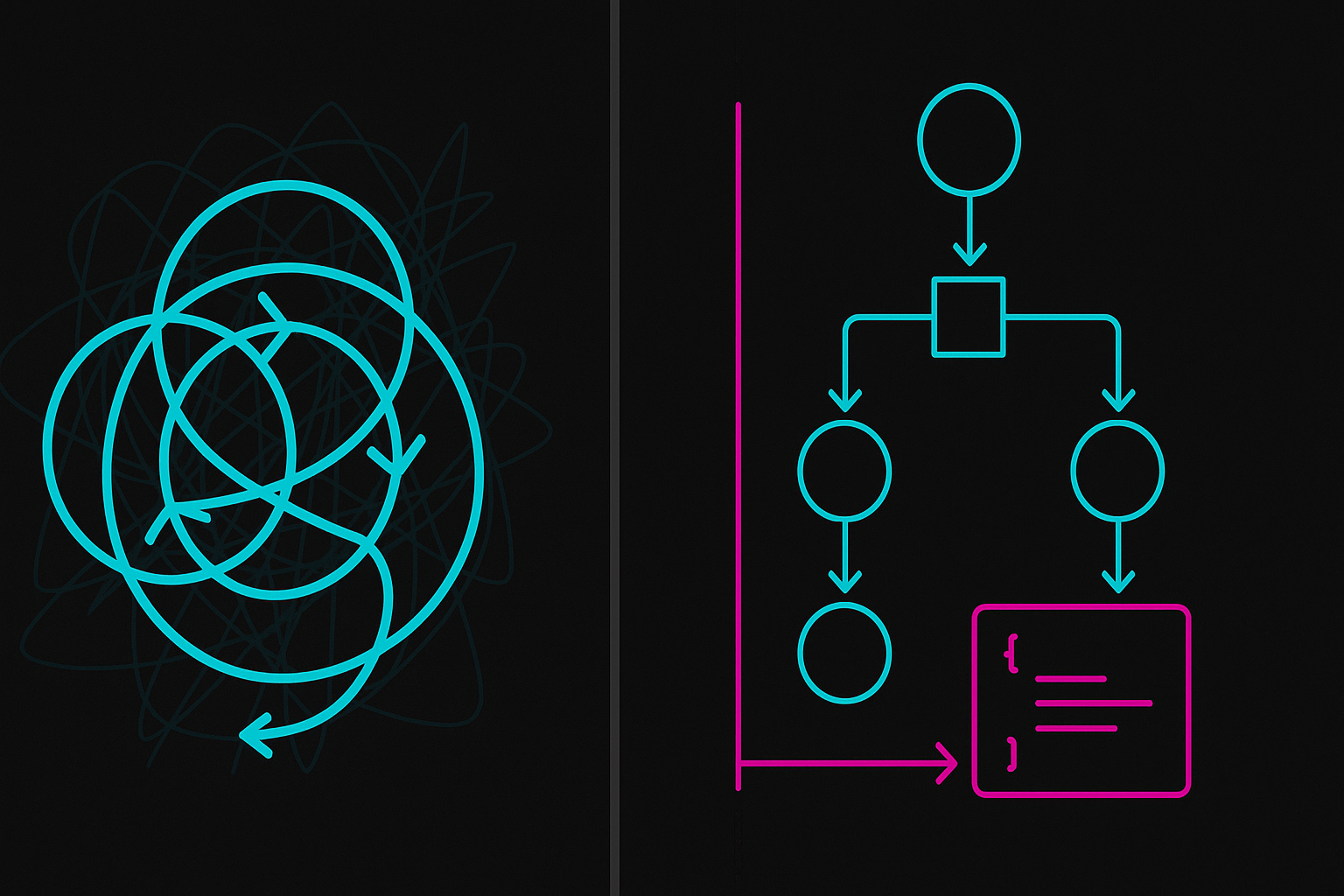
On March 26, 2026, Aerospike announced a LangGraph-based memory layer for agents. This fixes the thing that makes me nuts: agents forget and loop. Durable memory lets them pick up where they left off, compare attempts, and avoid repeating dead ends.
I rely on durable memory so agents can pick up where they left off, compare attempts, and avoid repeating dead ends.
Try a tiny memory pattern without heavy infra
If you’re not ready for a database, fake it. Use a simple JSON file or key-value store. Log each step, decision, and result. On every new step, read the last state and update it. That alone turns a clever chatbot into a workflow that actually improves.
Security wake-up call: Vorlon’s agent incident response
On March 25, 2026, Vorlon launched tools for agent security response. It sounds enterprise-only, but the risk is very real once your agent can click, email, or transact. Prompt injection, tool abuse, and data exfiltration show up the first time your agent hits a poisoned page.
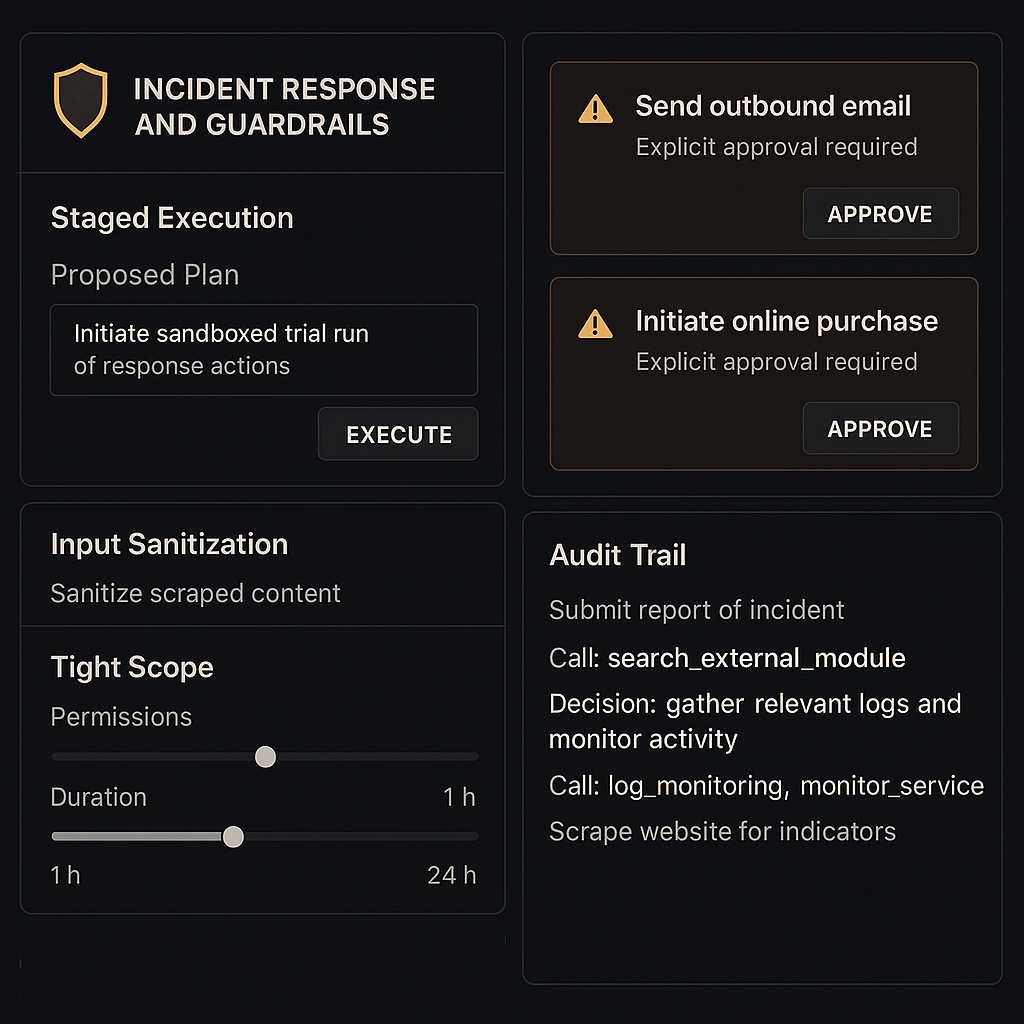
My quick hardening checklist
- Tight scopes: what it can do, where, how often, and for how long.
- Validate inputs, sanitize scraped content, and gate risky actions with confirmations.
- Log prompts, tool calls, outputs, and decisions for a clean audit trail.
- Stage execution: show the plan, then run in safe chunks.
Wait, what does “agentic” even mean anymore?
On March 25, 2026, CNN noted the term has taken on a life of its own. I keep it simple with clients and friends: an agent is agentic if it can set or refine subgoals, call tools, remember progress, and report back without me micromanaging every prompt. If it cannot do one of those, it is still an assistant, which is fine, just different.
I call it agentic only if it can set or refine subgoals, call tools, remember progress, and report back without me micromanaging.
If I had 7 days to get up to speed
Day 1: Pick a browser task you already do weekly. Use Samsung’s Windows browser agent for a real job and save the result where you’ll see it.
Day 2: Write the exact steps it took and label the tools. You just made your first agent runbook.
Day 3: Add memory. Use a Google Sheet or local JSON and append what worked, what failed, and what to tweak next.
When I add memory, I start with a single Google Sheet or local JSON and append what worked, what failed, and what to tweak next.
Day 4: Add one guardrail. For me, it’s confirm before any outbound email or purchase.
Day 5: Clone it for a second task. Reuse the same memory and logging pattern.
Day 6: Read SnowWork’s approach and map your runbook to goal, tools, plan, execute, report.
Day 7: Do a retro. What did it save, where did it stall, what nudge did it need, and what’s worth automating next.
What I’m excited to try next
I want to push the browser agent with multi-tab research and automatic notes into my actual workspace. I’m also spinning up a tiny shared memory service so a few small agents can hand off tasks without me being the middleman. And staged execution stays on by default because surprise tool calls have burned me before.
FAQ
What is Agentic AI in plain English?
It’s software that takes a goal, plans steps, uses tools, and reports back. Think beyond chat. The win is closing the loop without you nudging it every minute.
Do I need coding skills to try these Agentic AI launches?
No. Start in the browser and use one real task you already do. Add light memory and a confirmation step, and you’ll feel the difference in a day.
How do I stop agents from going rogue?
Keep tight scopes, validate inputs, log every step, and stage execution. If an action is high risk, require explicit confirmation before it fires.
What’s the simplest memory I can add today?
A single JSON file or spreadsheet that stores plan, state, and outcomes. Read it at the start of each run and update it at the end. That alone prevents loops.
Which launch should I try first?
Start with Samsung’s browser agent for an end-to-end task, then add memory. If you’re in data platforms, study SnowWork’s execution pattern and mirror it in your stack.
Bottom line
In 48 hours we got a consumer entry point from Samsung on March 25, 2026, an execution blueprint from Snowflake the same day, a real memory layer from Aerospike on March 26, and a security nudge from Vorlon on March 25. That’s the Agentic AI launches starter kit I wish I had last month. If you’re even a little agent-curious, this is your week to get hands-on.