

Agentic AI just had its real moment, and I felt it on March 20, 2026. If you’ve been waiting for a clear signal to start, this is it. I’ve been building with agents for months, and this week finally delivered practical proof that everyday, do-stuff assistants are here.
Quick answer: If you’re starting with agentic AI this week, pick one outcome that saves 20–40 minutes, give your agent three safe tools max, add a simple run log, wrap each tool with guardrails, and run it locally until it’s boring. The combo of banking, enterprise, security, and PC updates on March 20 means you can start small today and still be ready to scale.
I start with one outcome that saves 20–40 minutes, cap tools at three, add a simple run log, and run it locally until it’s boring.
Why March 20 mattered
Banking moved from chat to action
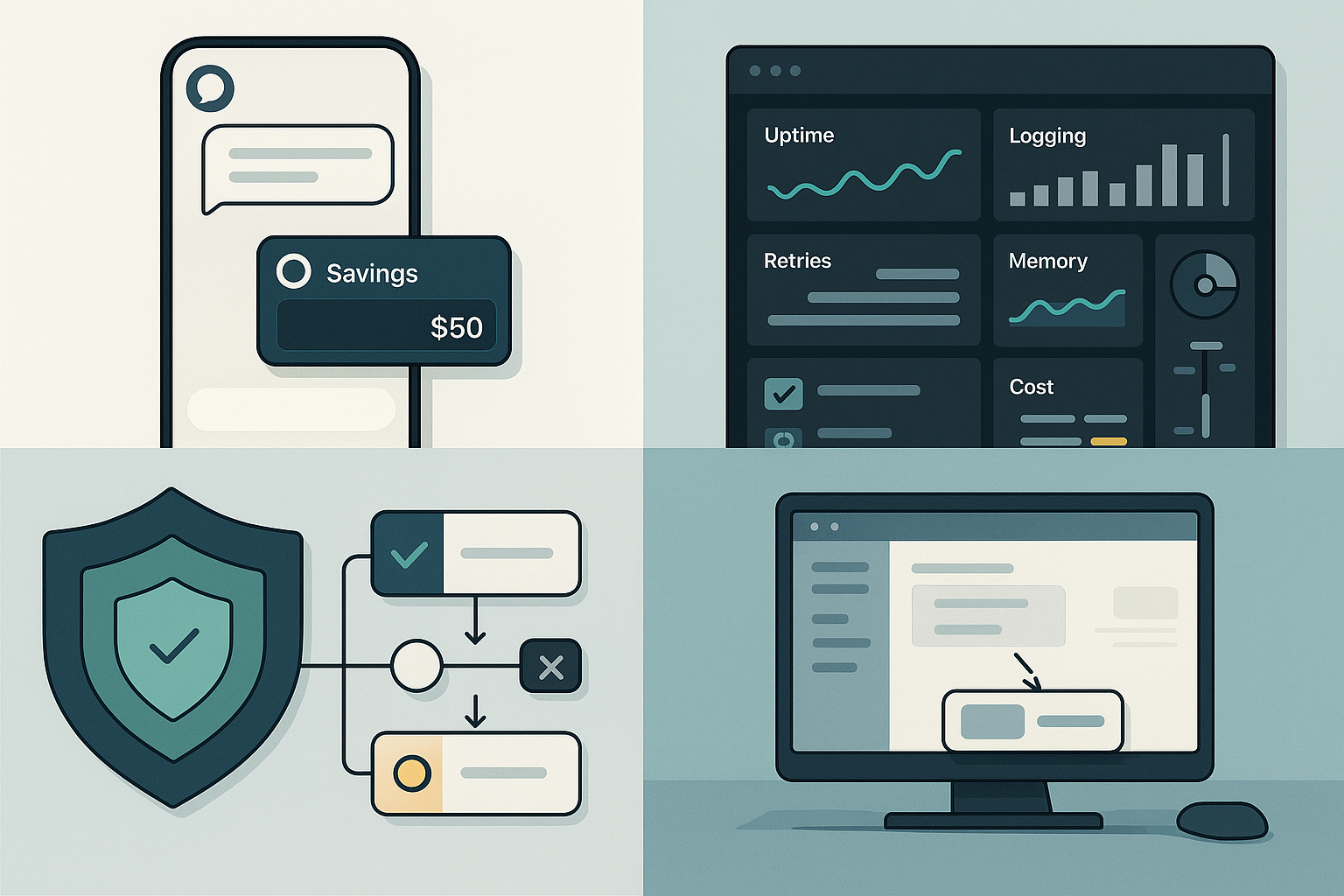
On March 20, Starling Bank added agentic AI to its UK app, upgrading a basic chatbot into a do-things assistant. That’s a big trust signal in a conservative industry. If a regulated bank will let an AI start and complete workflows, the conversation shifts from can we to where do we start. You can read the coverage here: Starling adds agentic AI.
Enterprises got a stack for scale
Also on March 20, Nutanix unveiled a full-stack approach for agentic AI factories. For beginners like me, the headline isn’t the logos. It’s the admission that running agents well is an ops problem as much as a model problem. Uptime-first vendors are now talking logging, retries, memory, and cost controls like production software. That’s your cue to design those parts from day one. Details here: Nutanix agentic AI stack.
I design logging, retries, memory, and cost controls from day one so scale is an ops win, not a surprise.
Security finally shipped an opinion
On the same day, Microsoft published end-to-end security guidance for agentic AI. You don’t need to be on Azure to benefit. The key idea is simple: agents are not just chat. They hold tokens, touch data, and call tools, so isolation, permissions, and validation need to be first-class. I’m borrowing their mental model on every new tool I wire up. Read it here: secure agentic AI end-to-end.
I treat agents like more than chat by isolating tools, scoping permissions, and validating every step.
Your PC is becoming a teammate
TechRadar called out on March 20 that AI agents are taking over tasks on your PC, and the difference this time is autonomy. LLM-powered agents can decide the next step, not just click where you told them. That shrinks the gap from scripts to workflows and makes desktop-first pilots way easier. Article here: AI agents on your PC.
Agentic AI in plain English
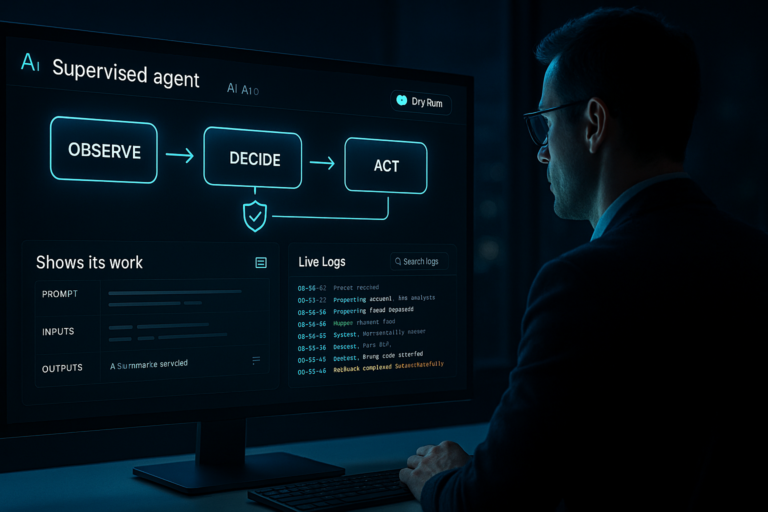
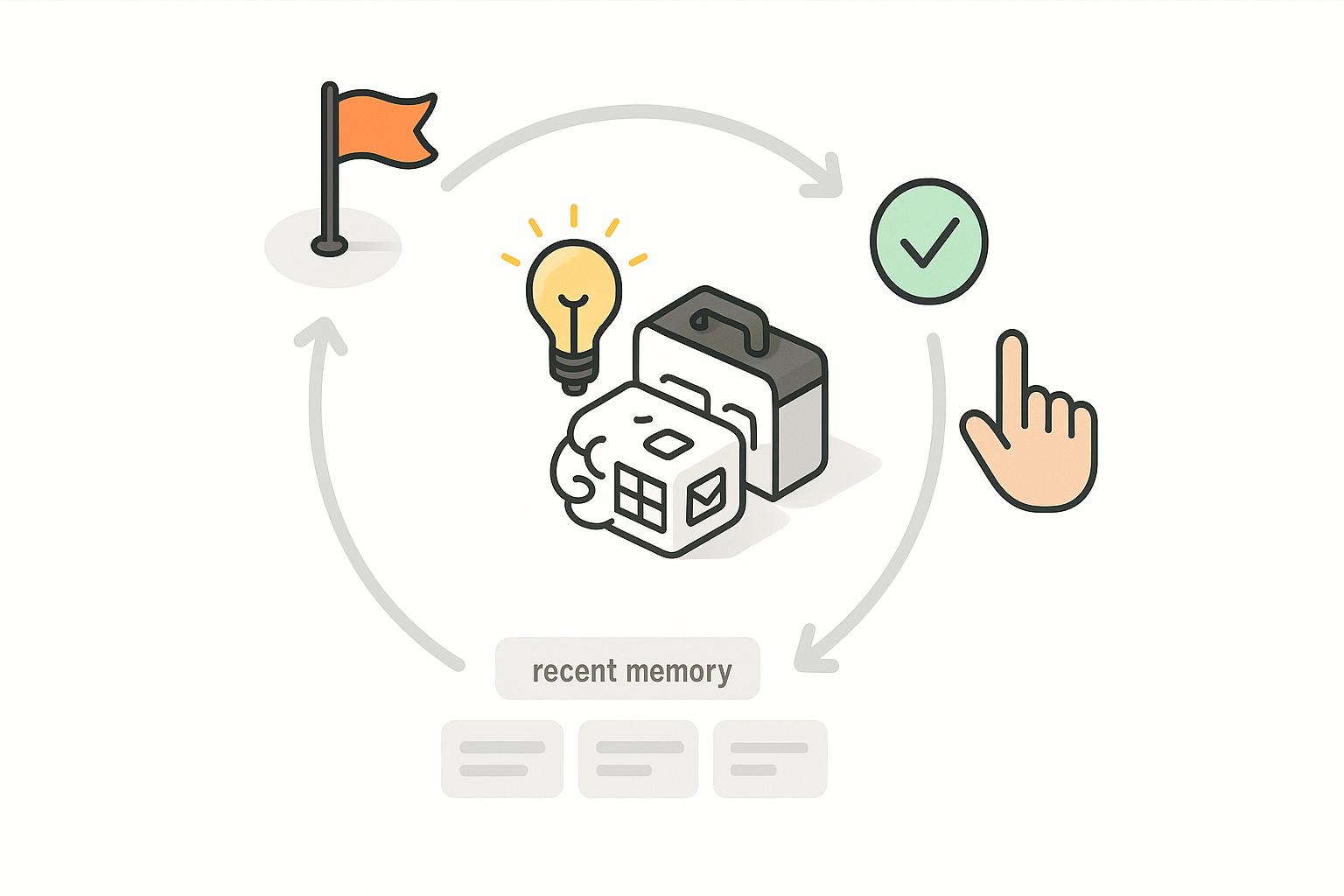
Agentic AI is just software that understands a goal, picks the next action, calls a tool, checks the result, and repeats until done or it asks for help. The magic is the mix of a reasoning model, a small toolbox, and a short memory of what just happened.
In practice, I connect a calendar API, a spreadsheet for state, an email or Slack account for output, and sometimes a CRM or cloud function. I give the agent a specific outcome, let it choose the next tool, and keep a run log so I can nudge or stop it when it drifts.
I give the agent a specific outcome, let it choose the next tool, and keep a run log so I can step in fast.
How I’d start this week
Pick one outcome that actually matters
Skip the fireworks. Choose a task you or your team do daily that burns 20 to 40 minutes. Calendar cleanups, lead triage, daily status pings, or price checks all work. Write a human definition of done: when X happens, send Y to Z with A, B, and C filled in.
Give your agent three tools, max
It’s tempting to wire everything. Don’t. Start with a read-only calendar, a Google Sheet or Notion table for state, and email or Slack for output. A tiny toolbox is easier to debug and teaches you more about agent behavior than a bloated setup.
Add observability on day one
I keep a simple table with time, input, tool, arguments, outcome, and a quick confidence note. It helps me catch bad guesses, rate limits, and flaky APIs without hunting through logs for hours.
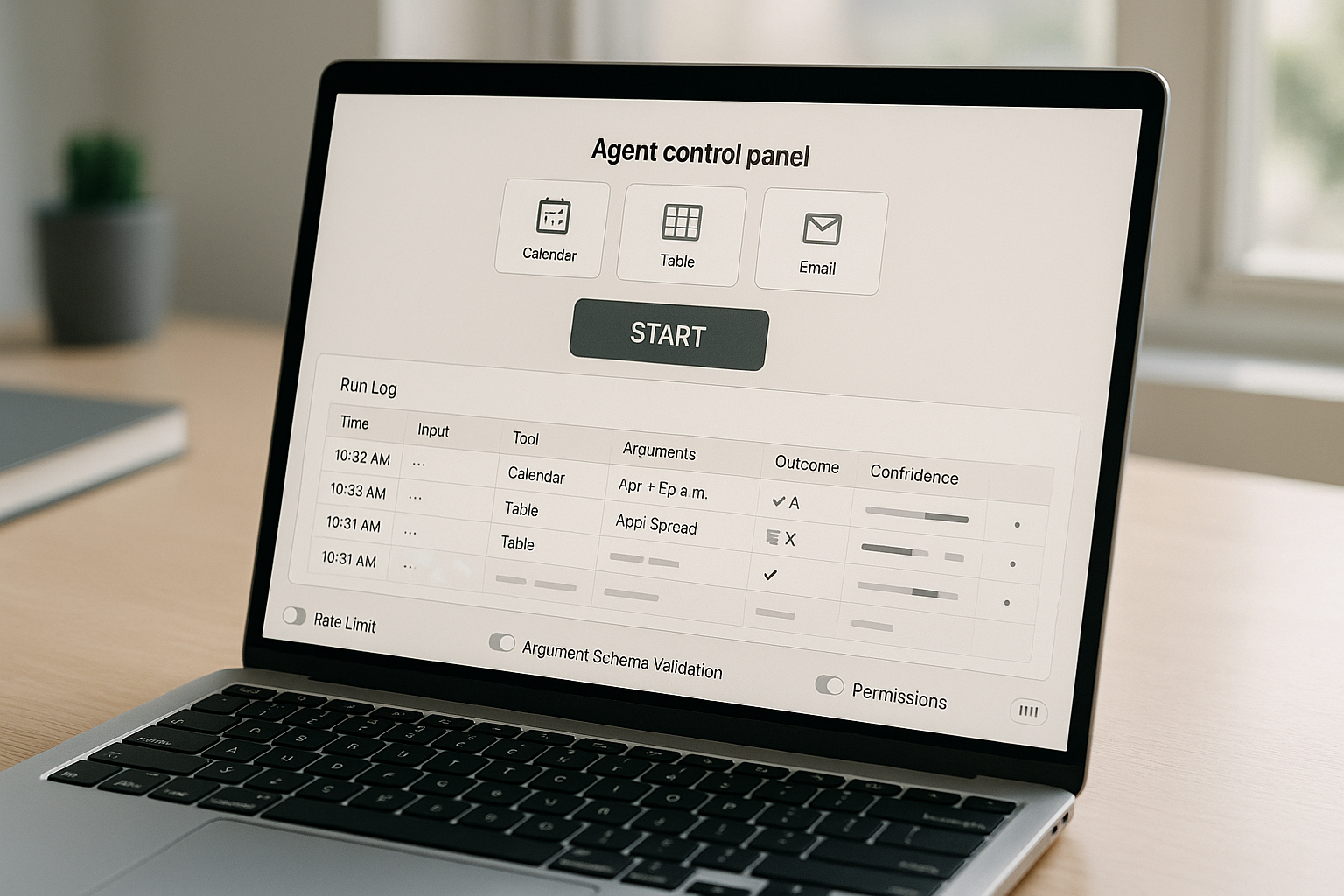
Wrap every tool with guardrails
Borrow Microsoft’s framing and treat each tool like a mini policy. Who can call it, what arguments are allowed, how often it can run, and what a safe response looks like. The first time an agent drafts 40 emails because a filter failed, you’ll be glad these limits exist.
I wrap every tool with guardrails: who can call it, allowed arguments, how often it can run, and what a safe response looks like.
Run it locally before the cloud
Thanks to the PC angle, desktop-first pilots are a superpower. When it works five runs in a row on your machine, then move it behind a tiny API or a scheduled job in the cloud.
- Weekend target: one agent, three tools, a visible run log, and a single start or stop button. Ship that and you’re past the tutorial phase.
Common mistakes I see beginners make
Mixing problem-finding with execution
Don’t ask the agent to define the goal and solve it at the same time. Give it a crisp objective and a short checklist for success. Keep creativity for humans and determinism for agents.
Letting the model free-type tool arguments
Define a schema for every tool, validate it, and retry once with a focused correction if it fails. If it fails again, stop and alert a human. Two tries, not twenty.
Ignoring cost controls
Track tool calls and model tokens per run. Set a soft daily cap. When you can see spend in real time, scaling stops being scary.
How those March 20 updates change your next 90 days
Starling’s move proves agents can be customer-safe when scoped, which makes stakeholder conversations easier. Nutanix gives you cover to design like production on day one, even if your project is tiny. Microsoft hands you a shared language for risk that IT will actually engage with. And the PC agent wave means you can build real habits locally without waiting on a platform contract.
Together, that’s a permission slip to start small, think big, and move safely.
FAQ
What is agentic AI in simple terms?
It’s software that can pursue a goal by choosing actions, calling tools, checking results, and looping until done. Think of it as a smart workflow runner with enough reasoning to pick the next best step.
Is it safe to let agents take actions on my accounts?
Yes, if you scope access, validate inputs and outputs, log every step, and set rate limits. Follow the principle of least privilege for each tool and use scoped tokens. Microsoft’s guidance is a helpful mental model for this.
What tools should I start with?
Keep it boring and observable. I start with a read-only calendar, a spreadsheet for state, and email or Slack for output. Add more only when the first three work reliably.
How much does this cost to run?
Early pilots are usually cheap but can spike if you let loops run wild. Track tokens and API calls per run, set a daily cap, and prefer smaller models for routine steps where accuracy is easy to verify.
Do I need a special platform to begin?
No. Start on your own machine so you can see and fix weird behavior fast. When it’s stable, move to a small API or scheduler. If you need scale later, platforms like the one Nutanix described show how to think about production ops.
My honest take
Agentic AI is not magic, but it is no longer a toy. March 20 felt like the quiet flip where serious teams said we’re shipping. If you build even one tiny agent this week, version it like a product, name it, track uptime, and write down what it can and cannot do. That simple habit turns a quick win into a real capability.